CapCut alternatives 2025: 10 picks for creators
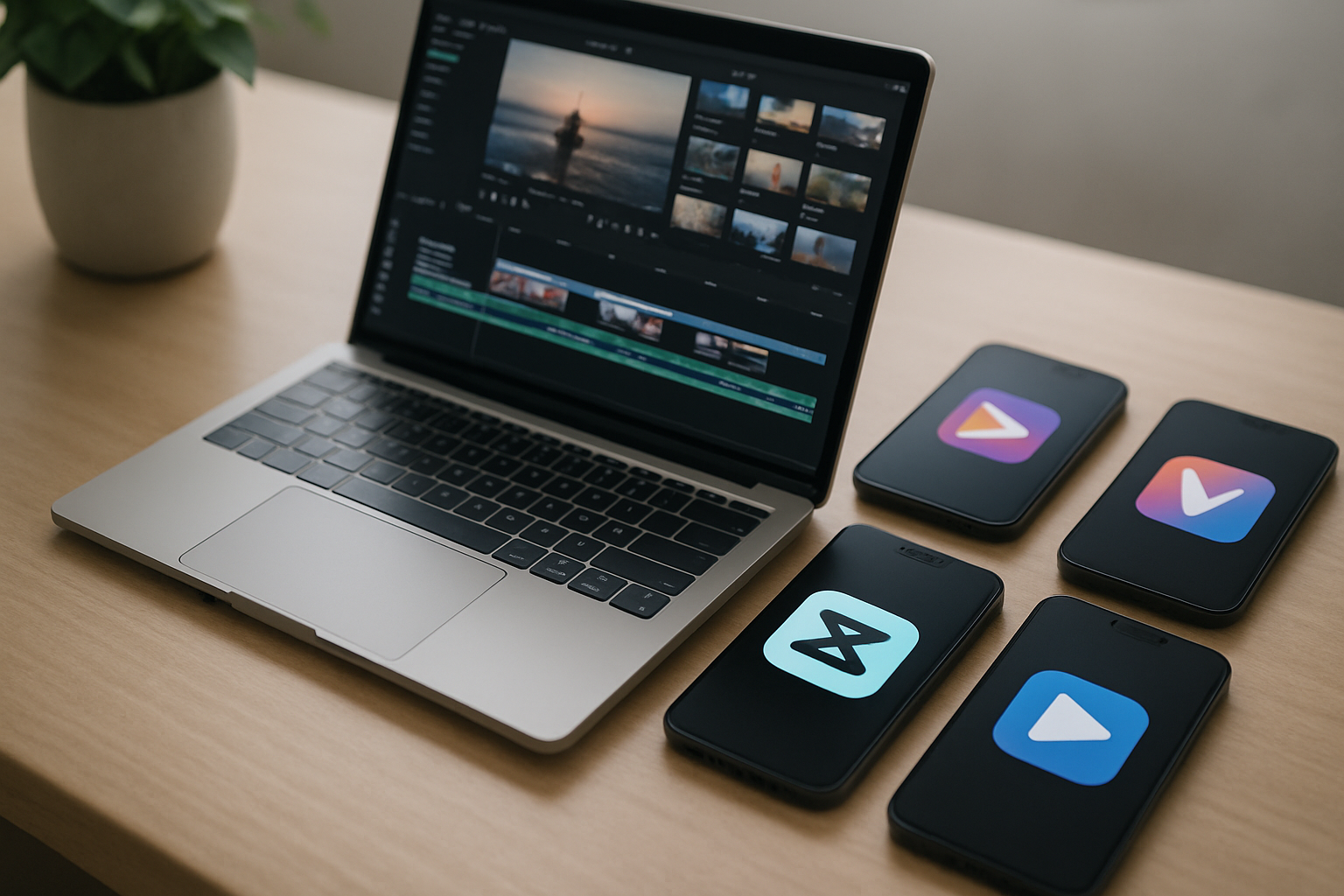
TL;DR: CapCut is not the only option. Ten solid alternatives cover every use case in 2025, from free mobile editors to pro desktop suites, with pricing ranging from $0 to $295 one-time.
The best CapCut alternatives in 2025
- CapCut is owned by ByteDance (TikTok's parent company), which creates real concerns about data and platform dependency for working creators.
- Ten alternatives cover mobile, desktop, and browser workflows in 2025, with free tiers at most price points.
- VEED.io starts at $9/month; InShot Pro at $4.99/month; Filmora at $9.99/month or $49.99 lifetime.
- If you are also rethinking your link-in-bio setup, custom-domain profiles on MyLinks.page pair well with any of these tools to build a search-visible creator hub.
CapCut is a genuinely good free editor. TikTok creators especially have built real workflows around it. But ByteDance owns it, the US TikTok situation keeps resurfacing, and the free tier's AI features are increasingly gated behind a subscription. Those are three reasonable reasons to look elsewhere.
This list covers ten alternatives across mobile, browser, and desktop. Some cost nothing. Some cost a lot. All of them are worth knowing about in 2025. Each entry includes pricing, platform, and who it actually makes sense for, not a generic feature dump.
Why creators are moving away from CapCut in 2025
CapCut's ownership structure is the elephant in the room. ByteDance also owns TikTok, and if TikTok faces distribution restrictions in your country, CapCut could follow. That is not hypothetical. In early 2025, US legislators considered CapCut alongside TikTok in ban discussions. Even creators who are not worried about politics have noticed that CapCut's most useful AI tools, including background removal and script-to-video, moved behind a paid tier in 2024.
CapCut's free plan still covers basic cuts and transitions. But if you are building a content operation rather than posting casually, the limitations add up. The alternatives below give you more control over your data, your exports, and your workflow.
One note before the list: video editing is only one piece of your creator stack. The other is where you send people after they watch. A weak link-in-bio page wastes the traffic you just worked hard to earn. If that sounds familiar, it is worth fixing both at once.
VEED.io: best browser-based CapCut alternative
VEED.io handles most creator workflows entirely in a browser tab. No software installation, no file syncing. Auto subtitles, background removal, and a teleprompter are all built in. Netflix and Amazon use it internally for quick-turn content, which at least confirms it is production-grade. Plans start at $9 per month for Lite and $24 per month for Pro. That matches CapCut's paid tier price almost exactly, so switching costs nothing extra if you were already paying.
The browser-based approach is also the limitation. Complex multi-track timelines with lots of B-roll will feel slower than a native app. For talking-head content, explainers, and short-form social clips, VEED.io is fast and reliable. It is the closest thing to a direct CapCut swap for creators who edit in a browser most of the time.
InShot: best free mobile editor
InShot has been around since 2014. That is a long track record for a mobile video app. The free version covers basic cuts, filters, speed ramping, and music. InShot Pro adds advanced filters, no watermark, and full export quality at $4.99 per month or $19.99 per year. The annual plan is the lowest-cost paid option on this entire list.
The interface is cleaner than CapCut's. No AI upsells cluttering the toolbar, no constant feature announcements. If you want a mobile editor that stays out of the way and does the basics well, InShot is the obvious pick. It is available on iOS and Android.
Filmora: best CapCut alternative for beginners on desktop
Filmora sits between beginner-friendly and genuinely capable. The template library is large, the timeline handles multiple tracks without confusion, and the AI tools (background remover, auto reframe, noise reduction) are included in paid plans rather than sold as add-ons. Filmora's pricing is flexible: $9.99 per month, $34.99 per year, or $49.99 as a one-time lifetime purchase. The lifetime license is the best deal if you plan to use it long-term.
It runs on Mac and Windows. The free version exports with a watermark, same as CapCut, but the paid plans are reasonably priced for what you get. For creators who have outgrown mobile editing but are not ready for a professional NLE, Filmora is a strong middle ground.
Switch from Linktree in 60 seconds
Paste your Linktree URL — we'll bring over your links, bio, and avatar. Free forever, no credit card.
Import my Linktree →
DaVinci Resolve: best free professional option
DaVinci Resolve's free version is the most powerful free video editor available anywhere, full stop. Hollywood color grading, multi-camera editing, Fairlight audio tools, and Fusion for motion graphics are all included at no cost. The paid Studio version adds noise reduction, certain collaboration features, and some AI tools for a one-time payment of $295. No subscription.
The learning curve is real. Resolve is not something you open and figure out in an afternoon. But if you are serious about video quality and willing to invest time in a tool, nothing at the $0 price point comes close. Blackmagic Design, the company behind it, has been building professional film tools for decades. The free version is not a trial or a stripped-down demo. It is the full professional suite with a few advanced features held back.
KineMaster: best CapCut alternative for Android
KineMaster is one of the few mobile editors that genuinely matches CapCut feature-for-feature on Android. Multi-layer editing, chroma key, speed control, and direct social sharing are all present. KineMaster Premium costs $8.99 per month or $44.99 per year, which puts it near mid-range among the options here. The asset store includes additional transitions and effects that you can buy once and keep.
iOS support exists but Android is where KineMaster has historically focused. If you are an Android-first creator who has been using CapCut mostly for its mobile convenience, KineMaster is the most comparable alternative. The interface will feel familiar within a few sessions.
Adobe Premiere Rush: best for creators already in the Adobe ecosystem
If you already pay for Creative Cloud, Premiere Rush is included. If not, it costs $9.99 per month as a standalone. Rush is designed for fast social exports: vertical video, square, widescreen. You can start an edit on your phone and continue it on a desktop without any manual file transfer. The auto-reframe feature detects faces and movement, then crops to the new aspect ratio automatically.
Rush is not Adobe Premiere Pro. It lacks the full timeline power, audio mixing depth, and color tools of its sibling. Adobe Premiere Pro starts at $22.99 per month if you need that level. But for creators whose main output is Instagram Reels, YouTube Shorts, and TikTok-style content, Rush covers the workflow without the complexity. The Adobe ecosystem also means your footage is already where Photoshop and Lightroom can reach it.
VivaCut: best for cinematic mobile edits
VivaCut is positioned at creators who want film-style color grading on a phone. The preset library leans toward moody and cinematic rather than bright and saturated. Multi-layer compositing, keyframe animation, and a chroma key tool are all available on mobile. VivaCut Pro starts at $9.99 per month or $45.99 per year.
The free version has ads and a watermark. The Pro pricing is toward the higher end for a mobile-only app, but the color tools justify it if aesthetic quality matters to your content. Travel creators and anyone shooting short films on an iPhone tend to rate it highly for the grading tools alone.
Movavi Video Editor: best for fast turnaround on Windows
Movavi is underrated. It costs $49.99 per year, handles 4K exports cleanly, and includes a decent set of motion graphics templates and music tracks. The interface is stripped down enough that you can edit a five-minute video in under an hour without watching tutorials first. It runs on Windows and Mac.
Movavi does not have the AI feature depth of VEED.io or the professional ceiling of DaVinci Resolve. It occupies a practical middle ground: affordable, fast, good enough for most creator needs. For small business owners who need to produce regular product videos or explainers without a dedicated editor on staff, Movavi is often the right call.
Edits by Meta: watch this space
Meta announced Edits ahead of a February 2025 launch as a direct response to CapCut. It integrates with Instagram and is positioned as free. The editing tools in the initial release were basic. Meta's distribution advantage is obvious: if Edits gets serious about features, it will be on every Instagram creator's phone by default.
The honest assessment is that Edits is not a primary editor yet. It is worth installing to stay current with where Instagram's native tools are heading, but you would not build a production workflow around it right now. Check back in six months. Meta tends to iterate quickly when a product is tied to Reels engagement.
Clipchamp: best free option for Windows users
Microsoft acquired Clipchamp and built it into Windows 11. That means it is free, already installed on most Windows machines, and requires no account to start editing. The interface is browser-style with a clean timeline, basic transitions, text overlays, and direct export to OneDrive or YouTube. There is no watermark on free exports, which is genuinely rare.
Clipchamp's ceiling is low. For a quick product clip or a simple talking-head edit, it gets the job done. For anything multi-track or effects-heavy, you will hit its limits quickly. Think of it as the right tool for occasional use rather than a primary editor.
See the side-by-side
Paste any Linktree URL and see how that same profile would look on MyLinks.page.
Preview it →
Pairing better video tools with a stronger creator presence
Switching your video editor is worth doing, but it only affects one part of your content output. Where that content sends people matters just as much. Most creators rely on a link-in-bio page as the landing point for every video, story, and post they publish. If that page is slow, unbranded, or invisible to search engines, you are losing traffic you already paid for with your editing time.
MyLinks.page gives creators a custom domain link-in-bio with real SEO, UTM click tracking, and no forced branding on the free tier. You can import an existing Linktree setup in about 60 seconds. A profile page that actually shows up in search results and loads fast does more for your audience growth than any transition effect. The two upgrades go together: better editing tools to make content worth watching, and a better destination page to convert that audience into followers, subscribers, and customers.
Pick the editor that fits your platform and budget from the list above. The tools you use to create content should work for you, not lock you into one company's platform strategy.