How to boost a post on Instagram (step-by-step)
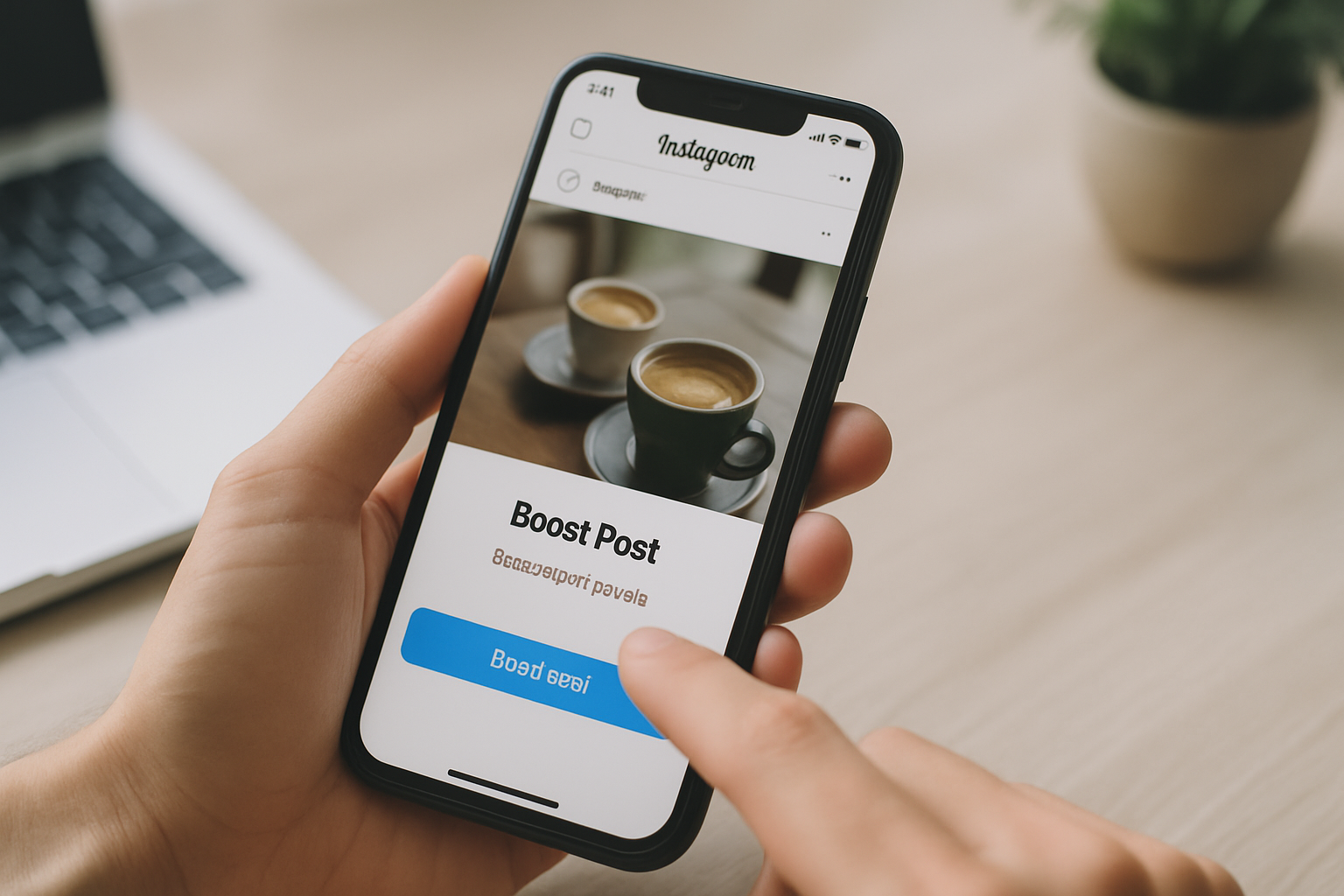
TL;DR: Boosting an Instagram post turns existing content into a paid ad that reaches non-followers. Set a clear goal first, target a specific audience, and always send traffic to a link-in-bio page that converts.
How to boost a post on Instagram: the short version
Boosting an Instagram post costs as little as $1 a day, takes about two minutes to set up, and can triple your content's reach within 24 hours. The process is straightforward: pick a post, set a goal, define an audience, set a budget, and confirm. The part most creators skip is the before and after work that determines whether those extra eyes actually turn into followers, clicks, or sales.
This guide covers the full 12-step process plus the setup decisions that move the needle. If you've tried boosting before and felt like it was wasted money, the problem was almost certainly your link destination, your audience targeting, or both.
- Boosting works on Photos, Reels, Stories, Carousels, and Shoppable posts
- You need a professional (Business or Creator) account to access the boost feature
- Instagram reviews each boost before it goes live, typically within a few hours
- Your link-in-bio page is where boosted traffic lands. A weak page wastes the spend.
- Average Instagram cost-per-click across all industries is around $0.40-$0.70 according to WordStream's 2024 benchmarks
What happens when you boost a post on Instagram
When you boost a post, Instagram converts that piece of content into a paid ad and distributes it to users who don't follow you. The post appears in feeds, Stories, and the Explore tab, labeled "Sponsored." Depending on your goal setting, Instagram's algorithm prioritizes showing it to people most likely to take the action you specified, whether that's visiting your profile, clicking a link, or sending you a message.
The key distinction from running a full Meta Ads campaign is simplicity. Boosting lives entirely inside the Instagram app. You skip the complexity of Ads Manager, creative specs, and campaign hierarchies. For most creators and small businesses, that tradeoff makes sense: faster setup, fewer variables, and just enough targeting to be useful. According to Meta's own advertiser data, boosted posts see an average 2x increase in reach compared to equivalent organic posts, though results vary widely by niche and audience quality.
What the boost feature does not give you is granular creative testing, conversion tracking pixels, or retargeting. For those, you need Meta Ads Manager. But for a creator trying to get a good post in front of more people this week, boosting is the right tool.
The 12 steps to boost a post on Instagram
You need an active Instagram professional account before you start. If you're currently on a personal account, go to Settings, then Account, then Switch to Professional Account. It's free and takes 90 seconds. Once that's done, here's the exact process.
- Open the Instagram app on your phone
- Navigate to your profile page
- Tap the post you want to promote
- Tap the blue "Boost post" button below the post
- Select your goal: more profile visits, more website visits, or more messages
- Tap "Next"
- Choose your audience: Automatic (Instagram picks based on your current followers) or Create Your Own (you define location, interests, age range)
- Tap "Next"
- Set your daily budget and total duration using the sliders
- Tap "Next"
- Review the beneficiary and payer information (required by Meta's ad policies)
- Tap "Confirm" to submit for review
Instagram's review process usually takes a few hours. Once approved, the boost goes live automatically. You can pause it at any time from your profile, and billing stops the moment you pause.
One thing to double-check before confirming: the destination URL. If your goal is website visits, Instagram will pull whatever link is currently in your bio. Make sure it's correct and that the page it points to is working.
Why your link-in-bio page matters more than the boost itself
Paid reach without a good landing page is money evaporating. This is the step the "how to boost a post" guides always skip, because most of them are written by people who don't have skin in the game. Your boosted post might generate 5,000 impressions. Without a clear, fast-loading profile page with an obvious call to action, you'll convert maybe 1% of those into anything useful. Improve that page first and the same spend can deliver 3-5x the results.
Most creators use Linktree because it's the default recommendation. The problem is that free Linktree pages carry Linktree branding, don't load on a custom domain, and give you zero SEO benefit. When someone clicks through from a boosted post, they land on a page that says "Powered by Linktree" instead of reinforcing your brand. That friction is small per visitor, but it compounds across thousands of paid clicks.
A better setup: a link-in-bio page on your own domain, with your branding, no third-party watermarks, and actual analytics that tell you which links your boosted traffic is clicking. MyLinks.page gives you all of that on the free tier, with UTM click tracking so you can measure exactly how much of your boosted traffic converts.
Switch from Linktree in 60 seconds
Paste your Linktree URL — we'll bring over your links, bio, and avatar. Free forever, no credit card.
Import my Linktree →
Choosing the right goal for your boost
Instagram offers three boost goals, and picking the wrong one is the single most common reason a boost underperforms. Each goal tells Instagram's delivery system to optimize for a different behavior, so the same post can produce very different results depending on which goal you select.
More profile visits is the right choice when you're trying to grow followers. Instagram will show your post to people who are statistically likely to visit profiles and follow. Good for: new accounts building an audience, creators launching a new series, anyone who just needs more people to find them.
More website visits sends traffic to your link-in-bio destination. This is the goal for driving sales, newsletter signups, Spotify streams, product launches, or anything where the conversion happens off Instagram. It requires your profile link to be set correctly before you confirm the boost.
More messages optimizes for DMs and is best for service businesses (coaches, photographers, consultants) where the first step in a sale is a conversation. Instagram will show the post with a "Send Message" call to action button.
A note on budget: there's no minimum that's universally right, but $5-10 per day for 5-7 days typically gives the algorithm enough data to optimize before the campaign ends. Very short boosts (1-2 days) often don't give Instagram's delivery system time to exit the "learning phase," which means your spend is less efficient. Instagram itself recommends a minimum $30 total budget to see meaningful results.
Why some posts can't be boosted
There are a few common blockers. The first is account type: only Business and Creator accounts can boost posts. Personal accounts don't have the feature. Switching is free and you don't lose any content or followers in the process.
The second blocker is content policy. Posts containing certain music, third-party logos, political content, or anything that violates Meta's advertising standards will be rejected during review or won't show the Boost button at all. Reels made entirely from audio that's not licensed for commercial use often fall into this category. If you want to boost a Reel, use original audio or music from Instagram's commercial library.
Third-party app posts sometimes lose boost eligibility. If you scheduled the post through a tool that used a method Instagram has since deprecated, the Boost button may be grayed out. The fix is to delete the post and repost it natively through the Instagram app.
Finally, if you have an outstanding balance on your Meta ad account, boosting is blocked until the balance clears. Check Meta Pay in your settings if you're seeing an error you can't explain.
7 ways to get more out of every boost
Most creators treat boosting as a one-click decision. The ones who get consistent ROI treat it as a short process with a few deliberate steps.
- Boost posts that already have engagement. A post with 50+ likes before boosting has social proof that makes new visitors more likely to follow or click. Cold posts need to earn trust from scratch.
- Create your own audience instead of using Automatic. Instagram's Automatic targeting is built around your current followers. If your goal is to reach new people, define an audience based on interests and demographics relevant to your niche.
- Match the post format to the goal. Reels get more reach per dollar for awareness. Carousels tend to drive more profile visits because Instagram's algorithm treats swipe behavior as high engagement. Static images work well for product or service posts where the message is simple.
- Run the boost for 5-7 days, not 1-2. Short boosts rarely exit the learning phase. Longer boosts with the same total budget spread more evenly are usually more efficient.
- Check your analytics before choosing which post to boost. Your Instagram Insights show which posts have the highest save rate and website link taps. Those are the posts your audience already signals they value. Boost those, not the post you personally like most.
- Make sure your bio link works and loads fast before confirming. Use a link-in-bio page with multiple links rather than a single URL so boosted visitors can find what they're looking for even if they don't immediately click the one thing you were promoting.
- Pause and reallocate if reach is low by day 2. If your cost-per-thousand-impressions is high (above $8-10 for most niches), the post probably isn't resonating with the audience you defined. Pause it, broaden or shift the audience targeting, and restart rather than letting a poorly-targeted boost drain your budget.
See the side-by-side
Paste any Linktree URL and see how that same profile would look on MyLinks.page.
Preview it →
Boosting is a traffic tool, not a growth strategy by itself
Paid promotion gets more people to see your content. What happens after that depends entirely on your profile page, your link-in-bio setup, and whether you have a clear next step for visitors. Creators who see strong returns from Instagram boosting aren't doing anything magical with the 12 steps above. They've just built the part that comes after: a profile that communicates value quickly, a link-in-bio page that loads fast and matches their brand, and analytics that tell them what's converting so they can double down.
If you're spending money to send traffic to a link-in-bio page that still has "Powered by Linktree" at the bottom, fix that first. Your boosted reach belongs to you. Your profile page should too.