How to calculate CTR for your link-in-bio page
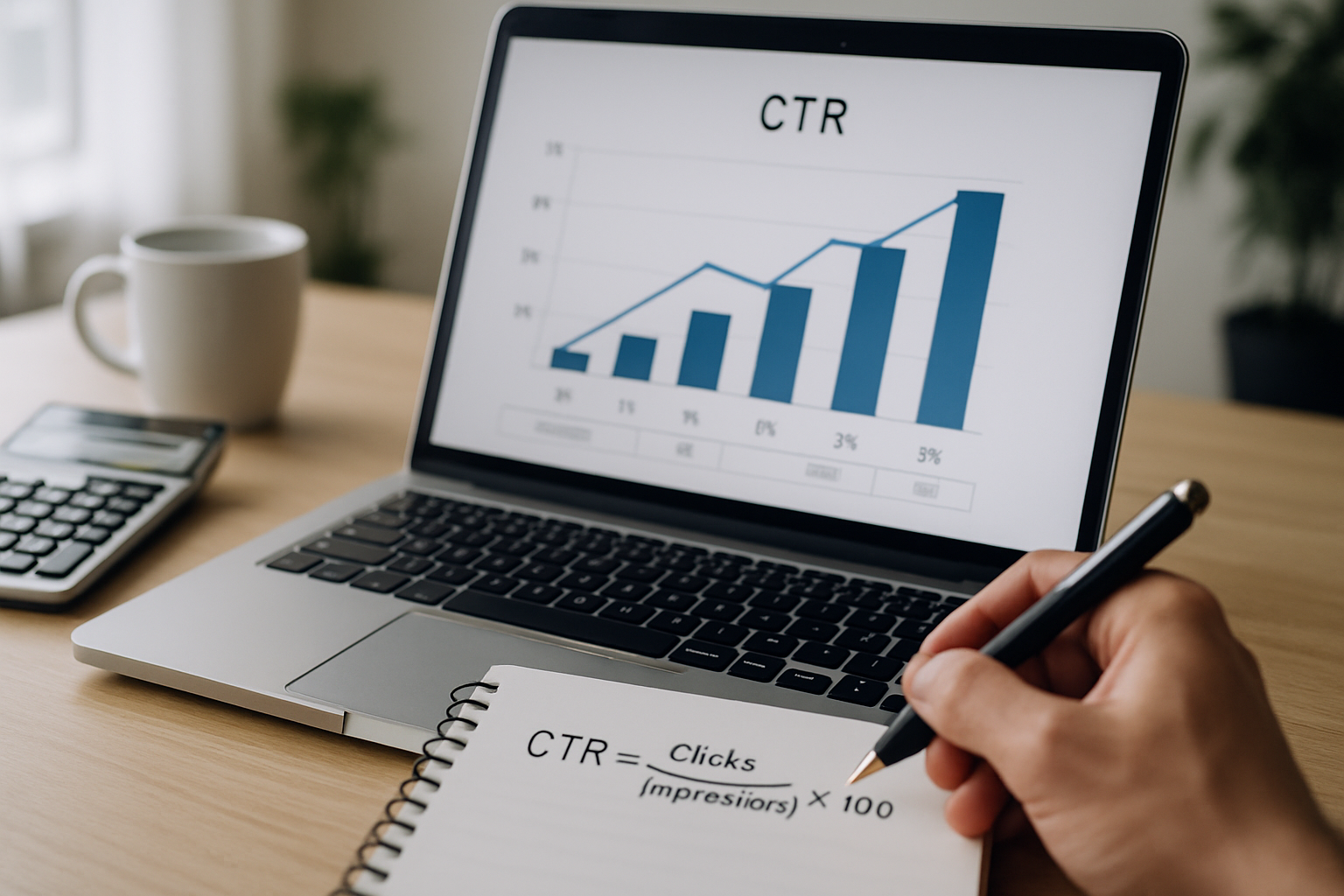
TL;DR: CTR = (clicks / impressions) x 100. A 2-5% CTR is typical for link-in-bio pages, but the number only matters when you know which links are dragging it down. Fix those first.
How to calculate CTR: the formula and what it actually tells you
CTR (click-through rate) measures the percentage of people who saw something and then clicked it. The formula is simple: divide total clicks by total impressions, then multiply by 100. If 1,000 people saw your link-in-bio and 35 clicked through to one of your links, that link has a 3.5% CTR. Single-digit numbers are completely normal. A study of social media link performance across multiple platforms found median CTRs between 1% and 5% for creator profiles, with outliers on both ends depending on niche and audience trust.
The formula matters less than knowing which specific links, buttons, or destinations are underperforming. A page-level CTR of 4% can hide one link at 12% and another at 0.3%. You cannot fix what you cannot see.
Why CTR matters more on a link-in-bio than anywhere else
Your link-in-bio page is often the only clickable destination in your social profile. Every follower who lands there is already interested enough to tap the link. That makes it a high-intent surface, and high-intent traffic should convert at a higher rate than a cold ad impression. If it is not, the page is doing something wrong: too many options, unclear labels, slow load, or a mismatch between what you promised in the post and what the page delivers.
According to data from creators who moved from Linktree to custom-domain link-in-bio pages, branded URLs alone can lift CTR by 15-25% because the destination looks trustworthy rather than like a redirect farm. A URL that says yourname.com gets clicked more often than one that says linktr.ee/yourname. The psychology is basic: people read URLs before they click, and a recognisable domain signals legitimacy.
This is one of the reasons MyLinks.page gives every user the option to connect a custom domain from day one, including on the free tier. When your bio link looks like your brand, not a third-party tool, the CTR goes up before you change a single word on the page.
The CTR formula broken down step by step
To calculate CTR for any link on your profile, you need two numbers: clicks and impressions. Most analytics dashboards provide both. Here is the calculation:
- Find the number of clicks for the link or page you are measuring.
- Find the number of impressions (also called views or visits) for the same period.
- Divide clicks by impressions.
- Multiply by 100 to get a percentage.
Example: your link-in-bio page had 2,400 visits last month. Across all links, it recorded 192 clicks. Your overall CTR is (192 / 2,400) x 100 = 8%. That is strong. If the number was 48 clicks instead, you would have a 2% CTR, which is on the low end and worth investigating.
Per-link CTR works the same way. If your Spotify link got 30 clicks out of 2,400 page views, its CTR is 1.25%. Your merch link got 90 clicks from the same pool? That is 3.75%. The merch link is outperforming Spotify by 3x, which tells you something about what your audience actually wants.
What counts as a good CTR for a link-in-bio page
There is no universal benchmark because CTR varies by platform, audience size, content type, and how frequently you post. That said, data collected from creator analytics tools puts a typical link-in-bio page CTR in the 2-6% range for overall page visits to individual link clicks. Pages with fewer, more targeted links consistently outperform pages stuffed with 15 options. Research on choice architecture shows that reducing options from 10 to 4 can more than double conversion rates on decision pages.
Here are rough reference points by context:
- Under 1%: The page is not connecting with visitors. Check link labels, page load speed, and whether the bio copy matches the page content.
- 1-3%: Acceptable but improvable. Start by cutting the lowest-performing links and A/B testing button copy.
- 3-6%: Solid. You are doing something right. Focus on scaling the traffic side.
- Above 6%: Strong. Usually seen on pages with a single dominant CTA and a highly engaged niche audience.
Do not benchmark yourself against influencers with millions of followers. At scale, CTRs often drop because the audience is broader and less engaged per capita. A creator with 8,000 followers and a 7% CTR is performing better, in real terms, than a creator with 500,000 followers and a 1.5% CTR.
Switch from Linktree in 60 seconds
Paste your Linktree URL — we'll bring over your links, bio, and avatar. Free forever, no credit card.
Import my Linktree →
How to improve your CTR once you have calculated it
Calculating CTR is the diagnostic step. Improving it requires acting on what the number reveals. The biggest gains usually come from three places: reducing friction, improving specificity, and matching the page to the traffic source.
Reducing friction means fewer links, faster pages, and clearer labels. Every extra link on your page is a decision the visitor has to make. More decisions lead to more exits. Audit your page: remove anything that has not been clicked in 30 days. If you are attached to keeping a link for completeness, move it below the fold so it does not compete for attention with your top two or three destinations.
Improving specificity means replacing vague button labels with concrete ones. "Check this out" is not a CTA. "Download the free guide" is. "Latest video" is borderline. "Watch: how I grew to 10k in 90 days" is specific and curiosity-driven. Specificity almost always lifts CTR because it filters for visitors who are actually interested, reducing dead clicks and improving downstream conversion too.
Matching the page to the traffic source is the most underused lever. If you are sending TikTok traffic to a page that is optimised for email newsletter readers, the experience is wrong. The best link-in-bio pages are context-aware: the first link changes based on what the creator is currently promoting, which means weekly or even daily updates during a launch.
Analytics on MyLinks.page show per-link click counts, visit trends over time, and referrer data so you can see which social platform is sending the most traffic. That referrer data is what lets you match the page experience to the source. Without it, you are guessing.
CTR and SEO: the connection most creators miss
Click-through rate appears in two contexts: social/link-in-bio analytics (covered above) and Google Search Console, where it measures how often people click your result after seeing it in search. These are different metrics measured by different tools, but they are connected by one underlying factor: how compelling your page looks before anyone clicks.
A link-in-bio page on a custom domain with a clear title tag and meta description can appear in Google search results. When it does, the CTR from search tells you whether your page title and description are persuasive enough to earn the click. Linktree profiles almost never appear in branded search for individual creators because Linktree's domain is what ranks, not yours. Your name, your brand, and your audience go into building Linktree's domain authority instead of your own.
According to research published by Backlinko analysing 4 million Google search results, the top organic result earns an average CTR of 27.6%. Position 10 earns 2.4%. The difference between position 1 and position 10 is not just more traffic but 11x more traffic from the same search. Owning a custom domain for your link-in-bio page means that traffic goes to you, not your link tool provider.
See the side-by-side
Paste any Linktree URL and see how that same profile would look on MyLinks.page.
Preview it →
Tracking CTR the right way: what to measure and when
Raw CTR as a single monthly number is close to useless. The metric gets useful when you track it over time, segment it by link, and correlate it with changes you made to the page.
Set a cadence. Check per-link CTR weekly if you post frequently. Monthly if you post less often. What you are looking for is movement: a link that was at 4% last month and is at 1.5% this month either lost relevance (the topic went cold) or got buried by new links you added above it. Both are fixable.
Use UTM parameters on every link that points to an external page. UTMs let your destination analytics (Google Analytics, Plausible, Fathom, whatever you use) tell you not just that someone visited but that they came from your bio link specifically. Without UTMs, a sale or email signup that came from your link-in-bio shows up as "direct" traffic and you never know it happened. MyLinks.page supports UTM parameters natively on any link, so you can add campaign, source, and medium tags directly from the dashboard without touching the destination URL by hand.
Finally, do not optimise CTR in isolation. A 10% CTR on a link that sells nothing is worse than a 3% CTR on a link that converts at 8%. The metric you actually care about is the full chain: impressions to clicks (CTR), then clicks to desired action (conversion rate). CTR tells you whether the page is working. Conversion rate tells you whether the destination is working. You need both.
Putting the numbers to work
Calculate your current CTR today using the formula above. Pick your three highest-traffic links and your three lowest. Remove or rewrite the lowest. Tighten the labels on the highest so they earn even more clicks. Check again in two weeks.
That is the whole loop. No exotic tools required. A calculator, your analytics dashboard, and 20 minutes of honest editing will move your CTR more than any design overhaul. The creators who grow consistently are not the ones with the most links on their page. They are the ones who know which links are working and keep cutting everything else.