How to change your YouTube channel name (and when to)
TL;DR: Changing your YouTube channel name takes about two minutes and does not reset your subscriber count or break existing links. The harder part is deciding when to do it and making sure every platform that points to your channel reflects the new name.
How to change your YouTube channel name
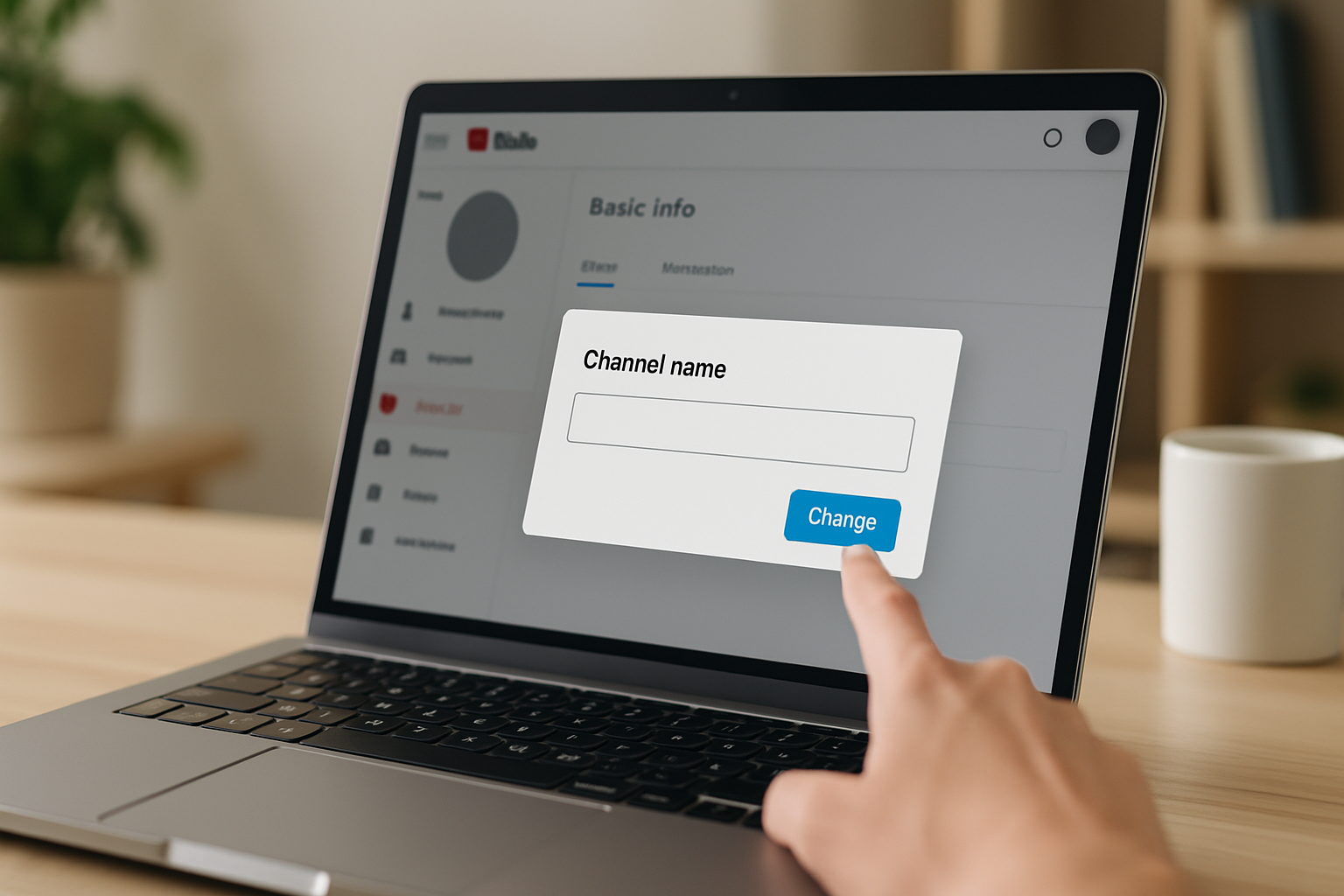
You can change your YouTube channel name in about two minutes. Go to YouTube Studio, click your profile icon in the top-right corner, select "Your channel," then hit the pencil icon next to your current name. Type the new name, click "OK," and the change takes effect across YouTube almost immediately. Google rolled out this feature in April 2021, ending the era when your YouTube name was permanently tied to your Google account name.
That's the mechanics. The more interesting question is whether you should do it, and what happens to everything connected to your channel when you do.
What actually changes when you rename your channel
Renaming does not touch your subscriber count, your video history, or your watch-time hours. Your channel URL stays the same. Existing links pointing to your channel still work. According to YouTube's support documentation, the algorithm treats a renamed channel the same way it treated the old one, so your video rankings and recommendations do not reset.
There is one real cost: if you have the YouTube verification badge (the grey or blue checkmark), renaming your channel removes it. You have to re-apply and meet the eligibility requirements again, which currently means 100,000 subscribers for the basic verification. For channels under that threshold, the badge question is irrelevant.
One thing that does NOT automatically update: your YouTube handle. The handle (the @username that appears in comments and search results) is separate from your display name. If you want both to match after a rename, go to YouTube Studio, click "Customisation," then "Basic info," and update the handle there. Handles must be unique, so if your preferred one is taken, you may need a variation.
When renaming your channel actually makes sense
Marques Brownlee built his channel under "MKBHD" starting in 2009. The initials stood for Marques Keith Brownlee HD, and the "HD" signaled that his early phone-review videos were in high definition at a time when that was a selling point. By the time his channel passed 17 million subscribers and 3.3 billion views, the codename felt like a relic. He switched to "Marques Brownlee" because the channel had grown beyond its original narrow focus into cars, VR, and broader tech culture. The name followed the content, not the other way around.
That pattern is the clearest signal that a rename is worth it: your content has shifted so far from its origins that the original name actively confuses new visitors. A gaming channel that now covers personal finance. A cooking channel that evolved into general lifestyle content. A channel named after a product you no longer use.
Other legitimate reasons to rename:
- You started the channel as a teenager and the name is embarrassing or unmemorable
- You are consolidating multiple channels under a single brand
- You want your name to match across YouTube, Instagram, TikTok, and your website
- A business rebranded and the channel name is now out of sync with every other asset
Renaming for its own sake, or chasing a trend, is rarely worth the disruption to muscle memory your existing audience has built around your current name.
The platform sync problem most creators ignore
Changing your YouTube channel name is the easy part. The harder part is updating every place that references it. Your Instagram bio probably says something like "YouTube: [old channel name]." Your Twitter/X profile, your TikTok description, your email newsletter footer, your podcast show notes. Each of those is a small inconsistency that erodes brand trust over time.
This is where your link-in-bio page becomes the most important thing to update. Most creators send traffic to a single link that aggregates everything, and if that page still shows your old channel name under a YouTube icon, visitors who found you post-rebrand will hit a mismatch the moment they click through.
Switch from Linktree in 60 seconds
Paste your Linktree URL — we'll bring over your links, bio, and avatar. Free forever, no credit card.
Import my Linktree →
The problem gets worse if your link-in-bio is on a platform that appends its own branding to every URL. A Linktree URL that reads linktr.ee/youroldbrand is now doubly inconsistent: the path still references the old name, and the domain advertises a competitor rather than your own brand. Rebuilding on a custom domain solves both problems at once. Your audience remembers yourname.com regardless of what you rename the YouTube channel to.
MyLinks.page lets you run your link-in-bio on your own domain with full SEO indexing and no forced Linktree-style branding. When your YouTube channel gets renamed, you update one page and everything downstream reflects it. The import from Linktree or any competitor takes about 60 seconds.
What to do with your old channel name
If your old name had any brand recognition, do not just abandon it. A few options worth considering:
Keep the handle. Marques Brownlee still uses @MKBHD as his YouTube handle, his website URL (mkbhd.com), and across most social platforms. The display name changed; the navigational identity did not. That's a smart split: new visitors see a real name, existing fans can still find him by typing MKBHD into any search box.
Redirect any custom domain you had. If you ever promoted a custom URL that included your old channel name, set up a redirect to your new hub. A 301 redirect preserves any SEO value those inbound links had built up.
Announce it once, clearly. Pin a community post or a short video explaining the change. This is not about asking permission. It prevents the wave of "wait, who is this?" comments on your next upload from turning into a reputation problem.
How often you can change your YouTube channel name
YouTube does not publish a strict limit, but the platform applies a rate limit that makes rapid cycling impractical. In practice, you can change your channel name a few times per year without hitting a wall. Changing it repeatedly in a short window may trigger a temporary hold. The practical lesson: do not rename speculatively. Wait until you are confident in the new direction before committing.
Your YouTube handle, by contrast, can only be changed three times in 90 days according to YouTube's current policy. Handle changes are more consequential because handles appear in comment threads and search results, so the platform is deliberately slower about them.
See the side-by-side
Paste any Linktree URL and see how that same profile would look on MyLinks.page.
Preview it →
Keeping everything consistent after a rebrand
A channel rename is a good forcing function to audit your entire online presence. Work through this list after you make the change:
- Update your YouTube handle if you want it to match the new display name
- Update your link-in-bio page, including the page title and any text that references the old name
- Update your Instagram, TikTok, Twitter/X, and Pinterest bios
- Update your email newsletter footer and any autoresponder sequences
- Update any podcast descriptions that mention your YouTube channel name
- Search for your old channel name in your own website's content and update any references
If you run ads that reference your channel name, pause them and update the copy before re-enabling. Running ads that point to a renamed channel with mismatched copy is a small but real conversion drag.
The goal after a rename is that a new follower encountering your brand for the first time, whether on YouTube or Instagram or through a Google search, sees exactly the same name everywhere. Consistency is what makes a rebrand stick. A name change that lives only on YouTube and nowhere else is not a rebrand; it's a half-measure that creates confusion rather than clarity.
Your link-in-bio page is the one place you can make all of this converge. One URL, one consistent name, one source of truth for every platform link you maintain. That's worth getting right.