How to find contacts on Instagram (and grow beyond them)
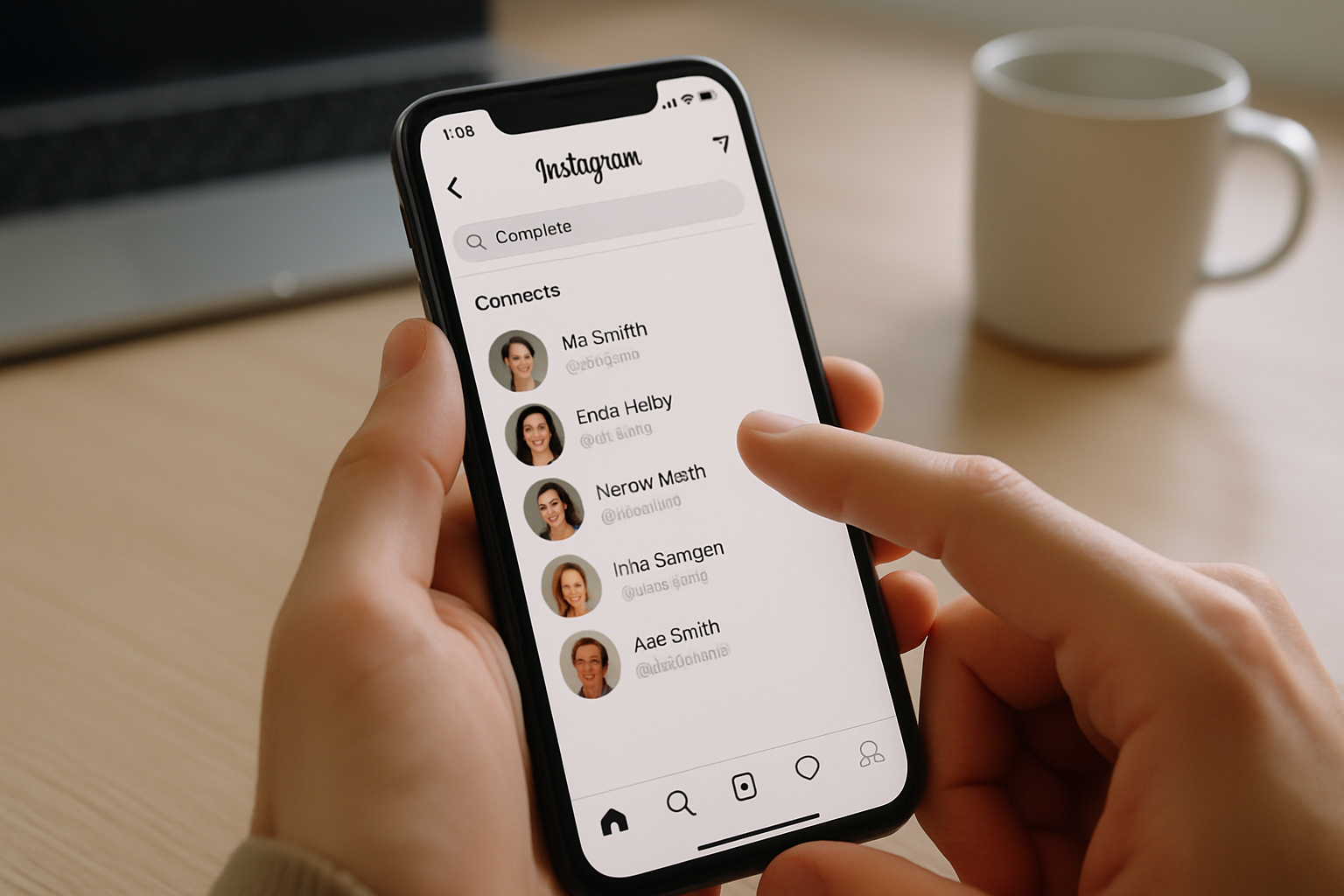
TL;DR: Instagram's built-in contact sync finds your phone contacts in seconds. But finding people is only half the job. Creators and small businesses who pair contact discovery with a strong link-in-bio page turn those new followers into real traffic.
How to find contacts on Instagram: the short answer
Instagram has a contact syncing feature that scans your phone's address book and matches entries against registered Instagram accounts. Enable it once, and Instagram shows you every contact who signed up with the same phone number or email you have saved. It works on iOS and Android. The feature also lets you pull in Facebook friends if your accounts are connected.
That covers the mechanical part. This article goes deeper: what to do when contact sync doesn't find the person you're looking for, how to make yourself easy to find, and how creators and small businesses convert those new followers into something more useful than a follower count.
- Instagram has over 2 billion active users, so most people you know are already on it
- Contact sync matches phone numbers and email addresses to Instagram accounts
- You can also connect Facebook to import those friends separately
- Being findable matters as much as finding others: your bio, username, and link-in-bio page are the first things new followers see
- A strong link-in-bio page turns a new follower into a customer, subscriber, or lead
Finding contacts on iOS
The iOS method takes about 30 seconds. Instagram has had contact syncing baked in for years, but the path through the app menus changes with app updates, so here is the current flow as of mid-2026.
- Open the Instagram app and make sure you are logged in.
- Tap your profile picture in the bottom-right corner to go to your profile.
- Tap the hamburger menu (three horizontal lines) in the top-right corner.
- Select Discover people.
- Tap See all.
- Tap Connect contacts. A permissions dialog will appear asking Instagram to access your contacts. Tap Allow.
- Instagram will scan your address book and display matched accounts. Tap Follow next to any you want to connect with.
If you also want to pull in Facebook friends, tap Connect to Facebook on the same screen. Both syncs can run together.
One thing worth knowing: Instagram only matches the phone number or email that person used when they signed up. If your contact saved a different number or email than they registered with, there will be no match. That is not a bug. It is just the limit of matching against registration data.
Finding contacts on Android
The Android flow is nearly identical. The main difference is where the menu options appear visually, since Android Instagram has a slightly different layout than iOS.
- Open the Instagram app and log in.
- Tap your profile picture in the bottom-right corner.
- Tap the hamburger menu in the top-right.
- Tap Discover people.
- Tap Connect contacts.
- Grant contacts permission when the system dialog appears.
- Follow anyone Instagram surfaces from your address book.
Android users sometimes find the permission dialog appears differently depending on their Android version. If Instagram never prompts you, go to your device Settings, find Instagram under Apps, and check that the Contacts permission is enabled manually.
When contact sync doesn't work: other ways to find people
Contact sync is fast but imperfect. If someone isn't turning up, there are four other methods that work reliably.
Search by name or username. Tap the magnifying glass at the bottom of the app. Type the person's name or username. This works even if they used a different phone number when signing up. Keep in mind that common names return a lot of results, so having some other context (their profile picture, city, or job) helps you confirm you have the right account.
Search by location or hashtag. If you met someone at a conference or event, search the event hashtag. Most people who post about an event tag it. The same applies to local businesses: search the city or neighbourhood tag and you will often find the account you are looking for in the tagged posts.
Find them through a mutual connection. Go to someone you both follow and check their followers or following list. Instagram lets you search within that list. A mutual contact is often the fastest shortcut when the name search returns too many results.
Ask them directly. This sounds obvious, but most people have their Instagram handle in their email signature, their website, or their other social profiles. A quick check on LinkedIn or a web search for their name plus "Instagram" usually surfaces the right profile.
Switch from Linktree in 60 seconds
Paste your Linktree URL — we'll bring over your links, bio, and avatar. Free forever, no credit card.
Import my Linktree →
How to make yourself easy to find on Instagram
Finding others is one side of the problem. The other is making sure people can find you. With over 2 billion users on the platform, standing out in search results and being recognisable when someone lands on your profile matters more than most creators realise. According to Instagram's own data, users spend less than three seconds deciding whether to follow a new account. Your username, profile photo, and bio do most of the heavy lifting in that window.
A few things that directly affect your findability:
- Username: Use your real name or brand name, not a clever handle that only makes sense to you. Instagram search weights username matches heavily.
- Name field: This is separate from your username and is indexed for search. If your username is a handle, put your actual name or business name here.
- Bio keywords: Instagram's search has improved at reading bios. If you are a music producer in Atlanta, say "music producer, Atlanta" in your bio. Natural phrasing works better than keyword stuffing.
- Profile photo: Use a clear, consistent photo or logo. People often scan visually when a name is common.
Your bio is limited to 150 characters. That constraint forces clarity, which is actually useful. Every word has to earn its spot. The one thing you should never waste that space on is a raw URL that tells the reader nothing. A link-in-bio page solves that: one URL in your bio links out to everything else.
What to do once someone finds you: making your link-in-bio page work
Getting a follow is the start, not the finish. Most creators and small businesses want followers to do something: visit a website, buy a product, book a call, listen to a podcast, subscribe to a newsletter. Your Instagram profile has exactly one clickable link, which means that link has to go somewhere genuinely useful.
A well-built link-in-bio page is the most efficient answer. Rather than updating your bio URL every time you release something new, you keep one permanent link and update the page behind it. The page holds everything: your latest content, your products, your booking link, your socials. New followers click once and see everything.
The tool you use for that page matters more than most people assume. Linktree is the default choice, but it comes with tradeoffs. Free Linktree profiles sit on a linktree.com subdomain, which means you get none of the SEO value from your own brand name. Linktree also puts its logo on free profiles, which looks unprofessional when someone visits from a potential client or a press contact.
MyLinks.page lets you connect your own custom domain on Pro from day one, no branding on the free tier, and analytics that show you which links are actually getting clicked and where your traffic is coming from. If you have been using Linktree and want to see what a cleaner setup looks like, you can import your existing links in about 60 seconds at /switch. No rebuilding from scratch.
For creators who take Instagram seriously as a growth channel, the combination of contact sync (to find people), a searchable profile (to be found), and a high-converting link-in-bio page (to capitalise on new followers) is the complete picture. Most people only focus on the first two.
See the side-by-side
Paste any Linktree URL and see how that same profile would look on MyLinks.page.
Preview it →
Privacy and what happens to your contacts data
Instagram's contact syncing raises a reasonable question: what does Instagram do with the contact data it accesses? According to Meta's privacy policy, when you enable contact syncing, Instagram uploads your contacts to its servers to run the matching process. The data is used to suggest connections and, per the policy, may inform how ads are targeted to you and others in your network.
You can revoke this permission at any time. On iOS, go to Settings > Privacy and Security > Contacts and toggle Instagram off. On Android, go to Settings > Apps > Instagram > Permissions and disable Contacts. Revoking the permission does not delete contacts already uploaded; you need to go into Instagram's settings and explicitly delete synced contacts from there.
This is worth knowing if you manage a professional account and have clients, business partners, or other sensitive contacts in your phone's address book. The matching is one-time when you enable it, but the upload is not.
Putting it together
Contact syncing on Instagram takes under a minute to set up and surfaces most of the people in your phone who are on the platform. When it misses someone, the search tab, hashtag browsing, and mutual-connection paths fill the gap. None of this is complicated once you know where the settings are.
The more consequential question for anyone building on Instagram is what happens after the follow. That first click on your profile link is a real moment of intent. A generic Linktree page with five untracked links squanders it. A fast, branded page on your own domain, with analytics showing you what converts, does not. Most creators set up a link-in-bio page once and never revisit it. The ones who treat it as a proper landing page see meaningfully better results from the same follower count.