How to share a Spotify playlist (every method)
TL;DR: You can share any Spotify playlist in seconds by copying its link from the three-dot menu on mobile or desktop. Musicians and creators get more reach by adding that link to a custom link-in-bio page that tracks clicks and works on every platform.
How to share a Spotify playlist on mobile
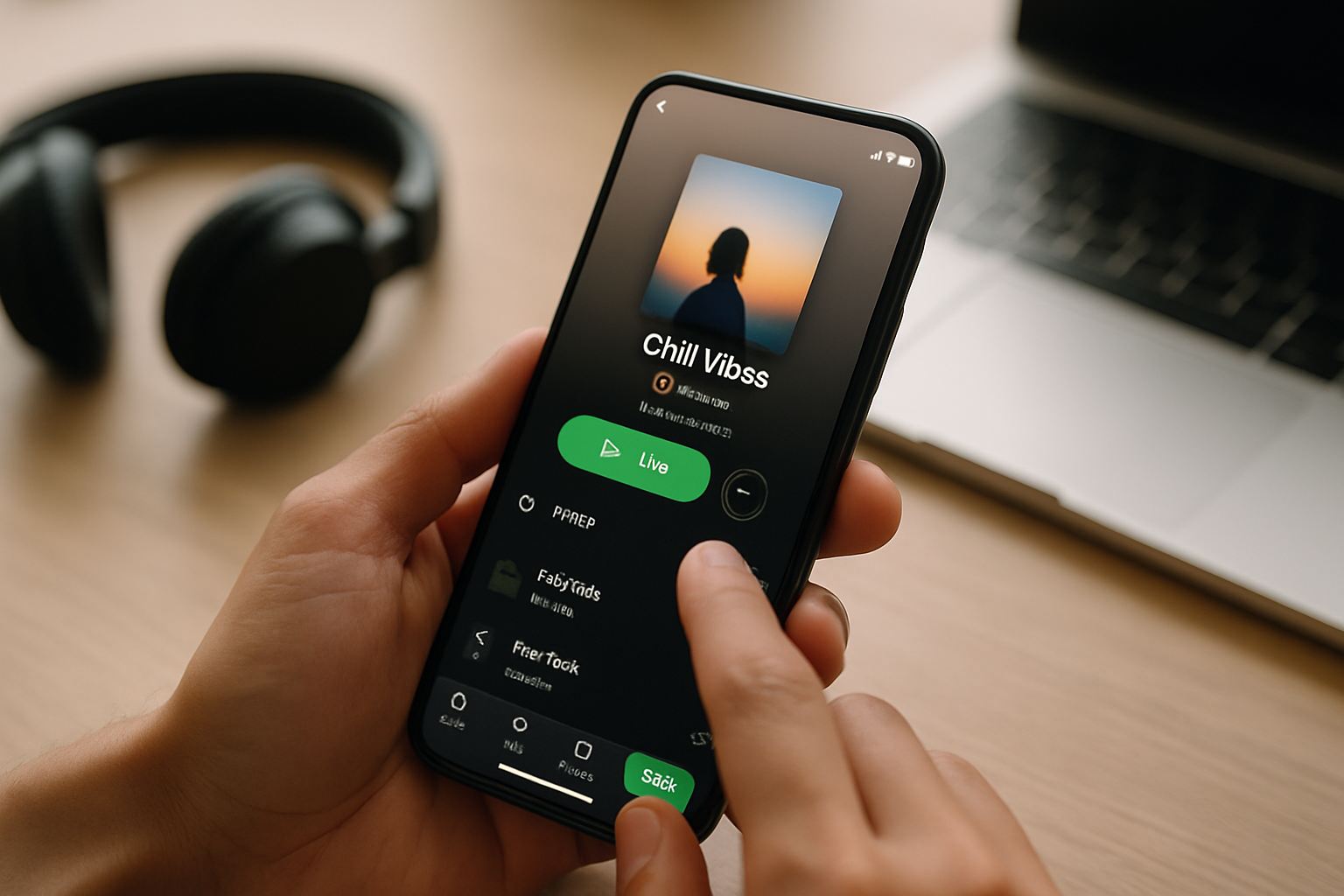
Sharing a Spotify playlist on mobile takes about five seconds. Open the Spotify app, navigate to the playlist, tap the three-dot icon next to the title, tap "Share," then tap "Copy link." Paste that link anywhere: a text message, a social media post, your email newsletter, or your link-in-bio page. Spotify has over 600 million users worldwide as of 2024, so a link your followers can tap on any device will reach virtually everyone.
There are a few other mobile sharing options worth knowing:
- Instagram Story: From the same Share menu, tap "Instagram Story." Spotify drops a playlist card directly into the Instagram app, ready to post. Viewers can tap through to the playlist without leaving Instagram.
- Scannable Spotify Code: Tap the three dots, open the share menu, and look for the barcode-style image under the playlist artwork. Screenshot it or show it on screen. Anyone with the Spotify app can point their camera at it and land on your playlist instantly.
- WhatsApp, Messages, or any app: The generic Share option passes the playlist URL to your phone's native share sheet, so you can send it to any app installed on your device.
One thing that trips people up: the playlist has to be set to "Public" or "On profile" in your privacy settings for the link to work for other people. A private playlist generates a link, but anyone who clicks it sees an error. Go to the playlist, tap the three dots, and check that "Make public" or "Add to profile" is turned on.
How to share a Spotify playlist on desktop
The desktop process mirrors mobile. On the Spotify desktop app or web player, right-click the playlist in the left sidebar or click the three-dot icon at the top of the playlist page. Select "Share," then either "Copy link to playlist" (which copies a standard Spotify URL) or "Copy Spotify URI" (a technical identifier mostly used by developers). For sharing with listeners, the link is what you want.
On desktop you also get an "Embed" option. This generates an iframe you can drop into a website or blog post, and it renders as a full interactive Spotify player. If you run a music blog or a band website, the embed is the smoothest experience you can offer a visitor, because they can preview tracks without leaving your page.
How musicians can share playlists for maximum reach
Copying a link and pasting it somewhere is the basic move. Getting actual streams from that link is a different problem. According to Spotify for Artists data, the majority of new listener discovery happens through playlists, not individual track links. That makes playlist promotion one of the highest-leverage things a musician can spend time on. The goal is not just sharing a link once but putting it somewhere permanent that working followers can find any time.
The most durable place to park a Spotify playlist link is your link-in-bio page. Every platform caps you to one link in your bio. A link-in-bio page turns that single slot into a full menu: your top playlist, your latest album, your merch store, a booking form, whatever your audience needs most. Listeners on TikTok, Instagram, and YouTube all get to the same page from one tap.
The problem with generic link-in-bio tools is that they are designed for convenience, not for being found. A profile hosted on a generic subdomain (think yourtool.com/yourname) contributes zero SEO value to your own brand. When someone Googles your name, the results should point to you, not to a third-party domain that keeps the authority for itself.
MyLinks.page lets you connect a custom domain so your link-in-bio lives at music.yourname.com or links.yourbandname.com. That means every inbound link from a playlist pitch email, a blog feature, or a Reddit thread builds SEO equity for your domain, not someone else's. The free tier ships without forced branding, so your page looks clean from day one.
Switch from Linktree in 60 seconds
Paste your Linktree URL — we'll bring over your links, bio, and avatar. Free forever, no credit card.
Import my Linktree →
How to make a collaborative Spotify playlist and share it
A collaborative playlist lets other people add songs, which turns passive listeners into participants. Bands use this for fan submissions. Venues use it for crowd-sourced set suggestions. Podcasters use it for episode companion playlists their community can contribute to.
To create one: open the playlist in the Spotify app, tap the three dots, and toggle on "Collaborative playlist." A small icon (two overlapping circles) appears next to the playlist name. Share the link the same way you would any playlist. Anyone with the link and a Spotify account can add tracks.
Two things to know before you share a collaborative playlist publicly. First, anyone can add songs, which means you may need to curate it periodically. Second, Spotify does not currently send you a notification when someone adds a track, so check back manually if curation matters to you.
For musicians specifically, a collaborative playlist is a community-building tactic, not just a sharing tactic. Pinning it at the top of your link-in-bio page alongside your own music creates a reason for fans to return to your page regularly. That repeat traffic is what builds the kind of audience relationship that actually sustains a music career.
Tracking who clicks your Spotify playlist link
Knowing that you shared a link is not the same as knowing whether anyone clicked it. Most platforms give you no data on how your Spotify link performs in your bio. You post the link, and then it disappears into the void.
UTM parameters fix this. A UTM is a short tag you append to any URL that tells your analytics tool where a click originated. A Spotify playlist link with UTM parameters looks like this:
https://open.spotify.com/playlist/YOURPLAYLISTID?utm_source=instagram&utm_medium=bio&utm_campaign=summer-playlist
When a listener clicks that link, Google Analytics or any other tracking tool records the source. You can see that 140 clicks came from your Instagram bio, 60 came from a TikTok video, and 20 came from a newsletter. That data tells you where to invest your promotion time.
If your link-in-bio tool has built-in analytics, you can skip the UTM step and see click data directly in your dashboard. MyLinks.page tracks every click by source and gives you a breakdown per link, so you can see exactly which playlist is getting traction and from which platform, without needing to set up Google Analytics separately.
See the side-by-side
Paste any Linktree URL and see how that same profile would look on MyLinks.page.
Preview it →
Common mistakes when sharing Spotify playlists
A few things go wrong often enough to be worth naming.
- Sharing a private playlist link: Spotify still generates a shareable URL for private playlists, but recipients get a "This content is not available" error. Always confirm the playlist is public before sharing.
- Sharing a profile link instead of a playlist link: Your Spotify profile URL and your playlist URL look similar. Double-check that the URL contains "/playlist/" not just "/user/".
- Using a short link that expires: Some URL shorteners generate links with expiry dates. For anything in a permanent bio, use the full Spotify URL or a link managed by a tool you control.
- Not updating the link when the playlist changes: If you delete and recreate a playlist rather than editing the existing one, the old link breaks. Edit existing playlists instead.
Spotify stopped showing public playlist follower counts in its app interface years ago, which confused a lot of people. The follower count still exists on the backend and matters for algorithmic promotion, but you will not see it displayed in the standard UI. Third-party tools like Chartmetric track playlist follower counts if you need that data for pitch decks or sponsorship conversations.
Putting it all together
Sharing a Spotify playlist is straightforward: three-dot menu, share, copy link. The real work is making that link useful over time rather than just in the moment you post it.
For musicians and creators, the highest-value move is parking the playlist link on a dedicated link-in-bio page that you own, that carries your domain, and that tells you what is actually getting clicked. A link that lives permanently at your custom domain page accumulates traffic across platforms continuously, rather than disappearing into the feed after 48 hours.
If you are currently using a link-in-bio tool that puts its branding on your page or does not give you click data, that is a solvable problem. MyLinks.page imports everything from most existing tools in about 60 seconds, connects to your own domain, and shows you the analytics you actually need to make decisions about where to promote your music next.