How to share Amazon product links (and actually earn)
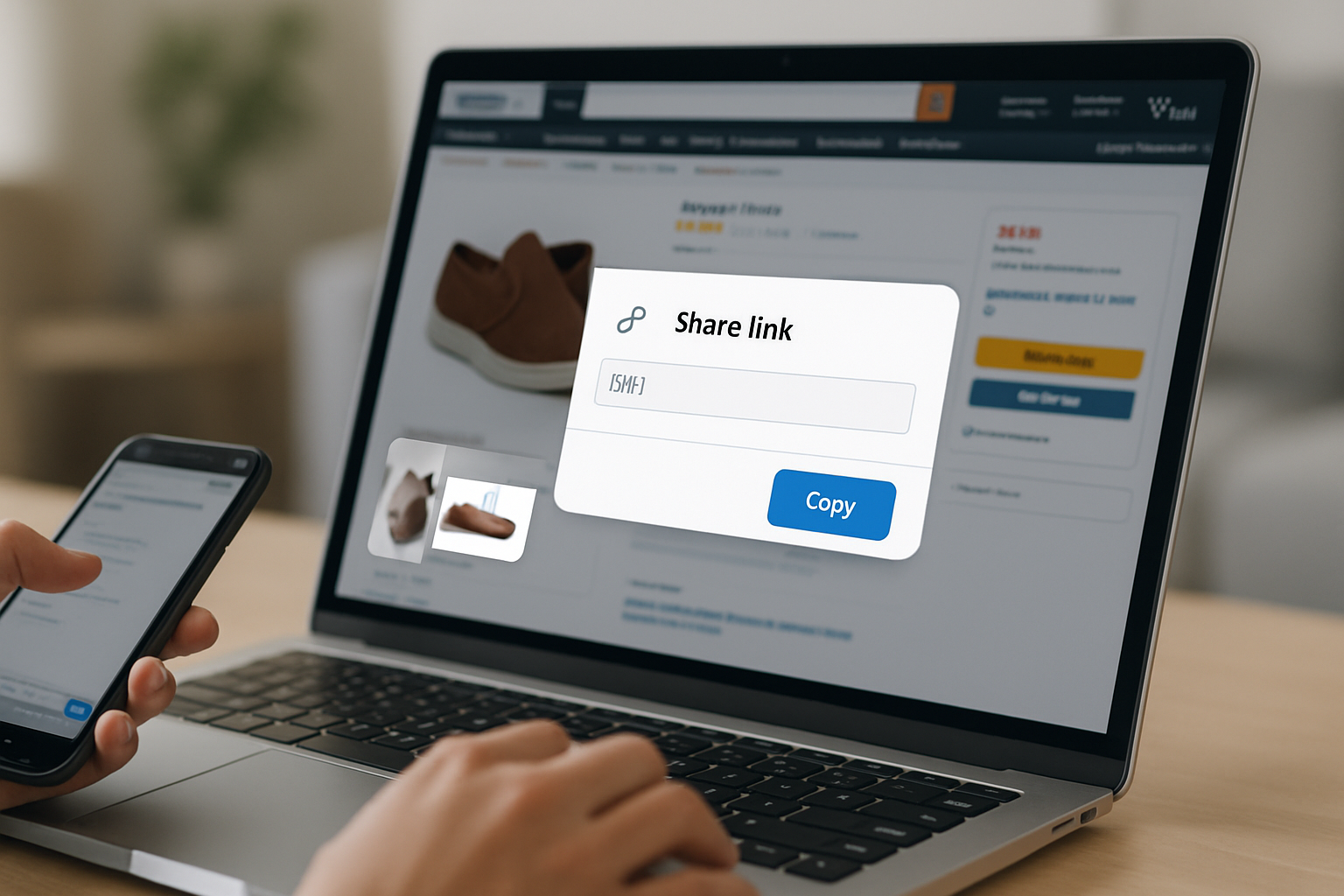
TL;DR: Copy your Amazon product link, then share it directly in posts, Stories, or your link-in-bio page. Creators in the Amazon Associates or Amazon Influencer Program earn 1-10% commissions per sale, and a well-organized link-in-bio page converts far better than scattering raw links across captions.
How to share Amazon product links: the short answer
Go to any Amazon product page, tap or click the share icon, and copy the URL. That link works in captions, DMs, Stories, emails, and link-in-bio pages. If you are an Amazon Associate, grab your affiliate link from SiteStripe instead of the browser bar so your commission tag is embedded. Paste it wherever your audience sees it, and you earn a cut of every qualifying purchase.
Simple in theory. The part most creators get wrong is where they put those links, not how they copy them.
Why sharing Amazon links matters for creators
Amazon handled roughly 38% of all US e-commerce in 2023, according to data from eMarketer. That dominance means your audience already trusts the checkout experience. You are not asking them to learn a new payment system or hand their card to an unfamiliar store. You are shortcutting the entire buying decision down to one tap.
The Amazon Associates program pays 1-10% commission depending on product category, with cookies that track purchases for 24 hours after a click (90 days if the item is added to cart). At scale, those percentages add up. A creator with 50,000 followers recommending a $120 kitchen gadget needs only a 1% conversion rate to generate $600 in commission from a single post.
The problem is reach. A single link in a caption reaches one post's audience. A link buried in a 2,000-character bio gets lost. Creators who treat their link-in-bio page as a curated storefront rather than an afterthought consistently outperform those who do not.
How to copy an Amazon product link from any device
The method varies slightly by device, but the result is the same: a shareable URL pointing to a specific product listing.
From a desktop browser
Open the product page on Amazon. The URL in your browser address bar is the link. It will look something like https://www.amazon.com/dp/B09XYZ123. Copy it directly. If you are logged into Amazon Associates, the SiteStripe bar appears at the top of every product page with a one-click "Get Link" button that appends your affiliate tag automatically.
From the Amazon mobile app on iPhone
Open the app and find the product. Tap the share icon in the top-right corner of the product image. iOS displays a standard share sheet. You can copy the link, send it via iMessage, share it to Instagram Stories, or paste it into any other app.
From the Amazon mobile app on Android
The process is identical to iPhone. Find the product, tap the share icon, and choose your destination from the Android share sheet. Amazon Associates users on mobile can also access GetLink from the app's hamburger menu under "Programs and Features" for affiliate-tagged URLs on the go.
From Amazon's website on mobile browser
Visit amazon.com in your mobile browser, open the product page, and copy the URL from the address bar. The URL is shorter on mobile and may use a.co short links. These redirect correctly, but the SiteStripe affiliate toolbar does not appear on mobile web, so switch to the app if you need your associate tag embedded.
Where to share Amazon product links for maximum clicks
The channel matters more than the copy technique. Different platforms call for different strategies, and spreading links thin across every channel without a central hub is the fastest way to leave commission on the table.
Instagram
Instagram does not allow clickable links in post captions. Your options are Stories with a link sticker (available to all accounts), a link in your bio, and for accounts over 10,000 followers, link stickers that go directly to a product. Stories are high-intent but disappear after 24 hours unless saved to a Highlight. Your bio link is permanent but you only get one, which is exactly why a link-in-bio page beats a single raw URL.
TikTok
TikTok's native TikTok Shop competes with Amazon for creator affiliate sales, but Amazon links still work well in your bio and in video descriptions for Business or Creator accounts. TikTok users expect fast, contextual shopping. If you mention a product in a video, the bio link needs to surface that product immediately, not send someone to a generic list of everything you have ever recommended.
YouTube
YouTube is the most affiliate-friendly platform Amazon operates on. You can post Amazon links in video descriptions, pinned comments, and end screens. The audience is already in a longer-form, purchase-research mindset. Amazon Associates links in YouTube descriptions have some of the highest conversion rates in creator affiliate marketing because viewers are often looking for buying guidance.
WhatsApp and private channels
WhatsApp is end-to-end encrypted and private, so links shared there only reach your existing contacts. That limits scale, but it can work for tight communities, membership groups, or direct product recommendations to a specific person. Do not build your affiliate strategy around private channels alone.
Email
An email list is the most reliable distribution channel you own. Paste your Amazon affiliate links directly into newsletters. Unlike social posts, emails are not subject to algorithm changes, and subscribers who opted in have already signaled they want your recommendations. Conversion rates for email-sourced Amazon links routinely outperform social by 2-5x in affiliate benchmarks.
Switch from Linktree in 60 seconds
Paste your Linktree URL — we'll bring over your links, bio, and avatar. Free forever, no credit card.
Import my Linktree →
Why your link-in-bio page is your highest-value real estate
Every platform gives you one bio link slot. That one URL needs to route a reader from six different platforms into the right product without friction. A single Amazon link wastes that slot. A well-built link-in-bio page solves this by showing your top Amazon picks, current recommendations, and seasonal favorites in one scrollable page your audience can bookmark.
Linktree is the tool most creators default to, but it comes with two meaningful drawbacks for Amazon-heavy creators. First, the free tier stamps Linktree branding on every page, which reduces perceived credibility. Second, Linktree's profiles live on linktree.com, a domain you do not control. Every click that lands on your profile builds SEO authority for Linktree's domain, not yours.
MyLinks.page lets you publish your link-in-bio page on your own custom domain (think yourname.com instead of linktr.ee/yourname). That means Google indexes your page under your name, you own the SEO equity, and you do not lose your audience if Linktree ever changes its pricing or terms. The free tier has no forced branding, and analytics show you exactly which Amazon links are getting clicked and by which traffic source.
How to set up Amazon affiliate links in your link-in-bio page
The setup takes about ten minutes the first time.
- Join Amazon Associates at affiliate-program.amazon.com. Approval is free and most creator accounts qualify. You need a live website or social profile with some recent content.
- Browse to any product you want to recommend. Use the SiteStripe bar at the top of the page to generate your affiliate link. Copy it.
- In your link-in-bio page editor, add a new link block, paste the affiliate URL, and write a short description. "The mic I use for every podcast episode" converts better than "Blue Yeti microphone."
- Organize related products into sections. "My home office setup," "Skincare I actually use," and "Kitchen gear" each deserve their own grouping. Readers scanning for a specific category find what they want faster, and faster means higher click-through rates.
- Check your analytics after a week. See which links convert and which do not. Kill the dead ones and feature the earners higher on the page.
Amazon Influencer Program members get a dedicated storefront on Amazon itself (amazon.com/shop/yourname), but that page lives on Amazon's domain under Amazon's branding. A link-in-bio page complements that storefront rather than replacing it: use your link-in-bio to drive traffic to your best individual picks, and link to your Amazon storefront from there for visitors who want to browse everything.
Common mistakes that kill your Amazon link performance
Posting a raw Amazon URL with no context gets skipped. The product image may not load in a social preview, and the URL string itself signals nothing about why someone should care. Always pair the link with a sentence about your personal experience with the product.
Using a non-affiliate URL when you are eligible for commissions is leaving money on the table. Double-check that your associate tag (yourtag-20) appears in every link before you publish. SiteStripe adds it automatically; manually copying from the browser bar does not.
Linking to out-of-stock products damages trust. Check your most-shared links monthly and update or remove anything unavailable. A link-in-bio analytics dashboard makes this easier because you can quickly see which links stopped receiving clicks, often a sign that the product page changed or went out of stock.
Spreading your links across too many platforms without tracking which sources convert means you have no data to act on. Use UTM parameters on your Amazon affiliate links when sharing across multiple channels. Add ?tag=yourtag-20&utm_source=instagram&utm_medium=bio to distinguish Instagram bio clicks from TikTok bio clicks in your reports.
See the side-by-side
Paste any Linktree URL and see how that same profile would look on MyLinks.page.
Preview it →
Getting started today
Copy your first Amazon affiliate link using SiteStripe, update your link-in-bio page to feature it with a one-sentence personal note, and check your click data in 48 hours. That feedback loop, link, note, data, repeat, is how creators build affiliate income that compounds over time rather than earning a few cents from a scattered post and forgetting about it.
Your link-in-bio page is the one URL you control. Make it earn.