How to share Reels on Instagram Story (2024 guide)
TL;DR: Tap the paper-airplane icon on any Reel and choose 'Add to Story' to share it instantly. Reels longer than 15 seconds get cut off in Story view, so download and re-upload the full video if you need the whole clip to play.
How to share Reels on Instagram Story
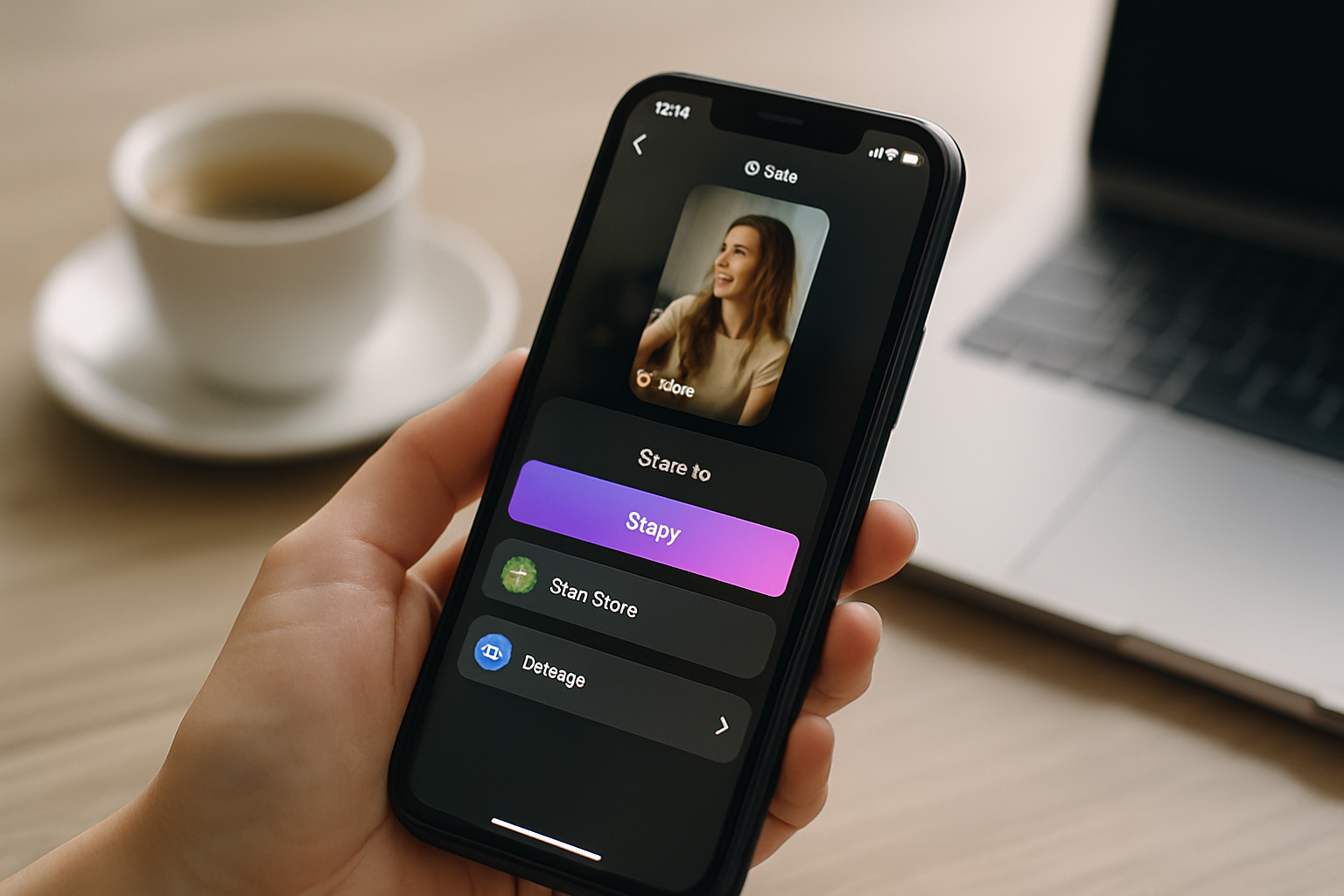
Tap the paper-airplane icon on any Reel, select "Add to Story," customize the background, and post. That is the short answer. The longer answer matters for creators who actually want the share to do something: drive profile visits, grow a following, and push clicks to the link in your bio.
This guide covers sharing your own Reels, reposting someone else's Reel, the 15-second cutoff problem and how to get around it, and what to do after you post so the traffic lands somewhere useful.
Why sharing Reels to your Story still works in 2024
Sharing a Reel to your Story puts it in front of followers who never scroll the main feed. According to Meta's own creator data, Stories are watched by a different segment of your audience than the people who see your Reels in the feed or on the Explore page. Stacking both placements for the same piece of content is one of the simplest distribution wins available on the platform.
There is also a compounding effect. When a follower taps through from your Story to the full Reel, that view and any subsequent engagement counts toward the Reel's total. Higher engagement signals push the Reel toward the Explore page, which is where discoverability really accelerates. A single Story share can tip a Reel from slow-burn to viral by giving it a second wave of early engagement from a warm audience.
For creators and small business owners, this matters because the Reel itself is rarely the destination. The goal is to get someone from the Reel to your profile, and from your profile to the link in your bio.
How to share your own Reel to your Story
Sharing your own Reel to your Story takes about ten seconds. Open your Reel, tap the paper-airplane icon, and select "Add to Story." You can customize the background color, add a sticker, write overlay text, or draw on the preview before posting. When you are happy with the look, tap "Your Story" to publish.
Here is the step-by-step if you want to follow along exactly:
- Open Instagram and go to your profile.
- Tap the Reels tab (the clapperboard icon between Posts and Tagged).
- Tap the Reel you want to share.
- Tap the paper-airplane icon at the bottom right.
- Select "Add to Story."
- Customize the background and add any text or stickers you want.
- Tap "Your Story" to post.
One thing worth knowing: Instagram automatically connects Facebook Stories when you have the accounts linked. If you want the Reel to appear on your Facebook Story too, toggle that option on before posting.
The 15-second cutoff problem and how to fix it
Reels longer than 15 seconds are cut off in Story view. Instagram only plays the first 15 seconds, then the Story ends. The viewer does not see the rest of the Reel unless they tap through to your profile and watch it there. For many creators, that tap never happens.
There are two ways to handle this. The first is to add a text sticker that says something like "watch the full reel on my profile" before the Story cuts off. This turns the cutoff into a deliberate hook and gives the viewer a reason to go looking. The second option is to share the full Reel as a regular Story video instead of using the native share button.
To share a complete Reel that is longer than 15 seconds:
- Open the Reel and tap the three-dot menu in the top right.
- Select "Save" to download the video to your camera roll.
- Open the Story camera, swipe up, and select the saved video.
- Trim, add stickers, and post as a normal Story.
This method lets you post a full 60-second Reel to your Story without the automatic cutoff. The tradeoff is that the engagement on the Story view does not count toward the Reel's original metrics, so the native share button (with the hook) is usually the better play unless the full video is genuinely critical to understanding the content.
Switch from Linktree in 60 seconds
Paste your Linktree URL — we'll bring over your links, bio, and avatar. Free forever, no credit card.
Import my Linktree →
How to repost someone else's Reel to your Story
Reposting another creator's Reel is faster than sharing your own. Navigate to the Reel in your feed or on their profile, tap the paper-airplane icon, and select "Add to Story." Instagram will include an attribution sticker showing the original creator's username. You can move the sticker around the frame but you cannot remove it.
The step-by-step:
- Find the Reel you want to share.
- Tap the paper-airplane icon.
- Select "Add to Story."
- Reposition the attribution sticker if needed.
- Add your own text or reaction if you want to give it context for your audience.
- Tap "Your Story" to post.
Not every creator has the Reel sharing feature enabled. Some accounts turn it off, which means you will not see the "Add to Story" option even if the account is public. If the option is missing, the creator has disabled sharing for that post.
A word on strategy: reposting Reels from accounts in your niche signals to your audience what you care about, and it occasionally gets you noticed by the original creator. Mutual support between creators with overlapping audiences is one of the oldest growth moves on the platform, and it still works.
What happens after the Story share
Getting someone to tap through from your Story to your Reel is half the job. The other half is what happens when they land on your profile and look for the link in your bio.
A lot of creators put serious time into their Reels and almost no time into the page that link goes to. If your bio link goes to a generic Linktree page with seven links and no hierarchy, you are losing conversions that the Reel earned you. Someone who watched your full Reel, tapped through to your profile, and then clicked your bio link is a high-intent visitor. A slow, unbranded, cluttered link-in-bio page is a poor return on that effort.
According to a 2024 HubSpot social media report, Instagram drives more link-in-bio clicks per follower than TikTok or YouTube. The click is not the problem. What happens after the click is where most creators leave money and followers on the table.
MyLinks.page gives you a link-in-bio page on a custom domain, which means it looks like yours and not like a third-party tool. It also tracks click-through data with UTM parameters built in, so you can see exactly which links are converting from your Instagram traffic versus your other channels. For creators who run the same Story-share strategy across multiple Reels in a week, that data makes it possible to know which content is actually driving action and not just views.
See the side-by-side
Paste any Linktree URL and see how that same profile would look on MyLinks.page.
Preview it →
Making the Story share part of a repeatable system
The creators who grow fastest on Instagram are not necessarily making better content than everyone else. They are distributing the same content more aggressively. Sharing every Reel to your Story, the same day it goes live, is the simplest version of that system.
A few things that make the habit stick:
- Share the Reel to your Story within the first hour of posting. Early engagement is weighted more heavily by Instagram's algorithm, and your Story audience is the fastest way to generate it.
- Add something to the Story preview that is not in the Reel itself: a text reaction, a poll sticker asking for an opinion, or a question box. This gives your Stories audience a reason to engage with the preview rather than just passively watch it.
- Check your Story analytics 24 hours after posting. Instagram shows you how many people tapped through to the Reel from your Story. If the tap-through rate is low, the preview frame or the text overlay probably is not doing enough to create curiosity.
- Make sure your bio link goes somewhere worth going. Every tap-through from a Story is a warm lead. Send them to a page that is organized, fast, and actually represents you.
Sharing Reels to your Story is a five-tap process. The part that actually compounds over time is building the infrastructure around it: a bio page that converts, analytics that tell you what is working, and a distribution habit that runs every time you post. The tap is easy. The system is what makes it matter.