Link in bio: what it is and how it works
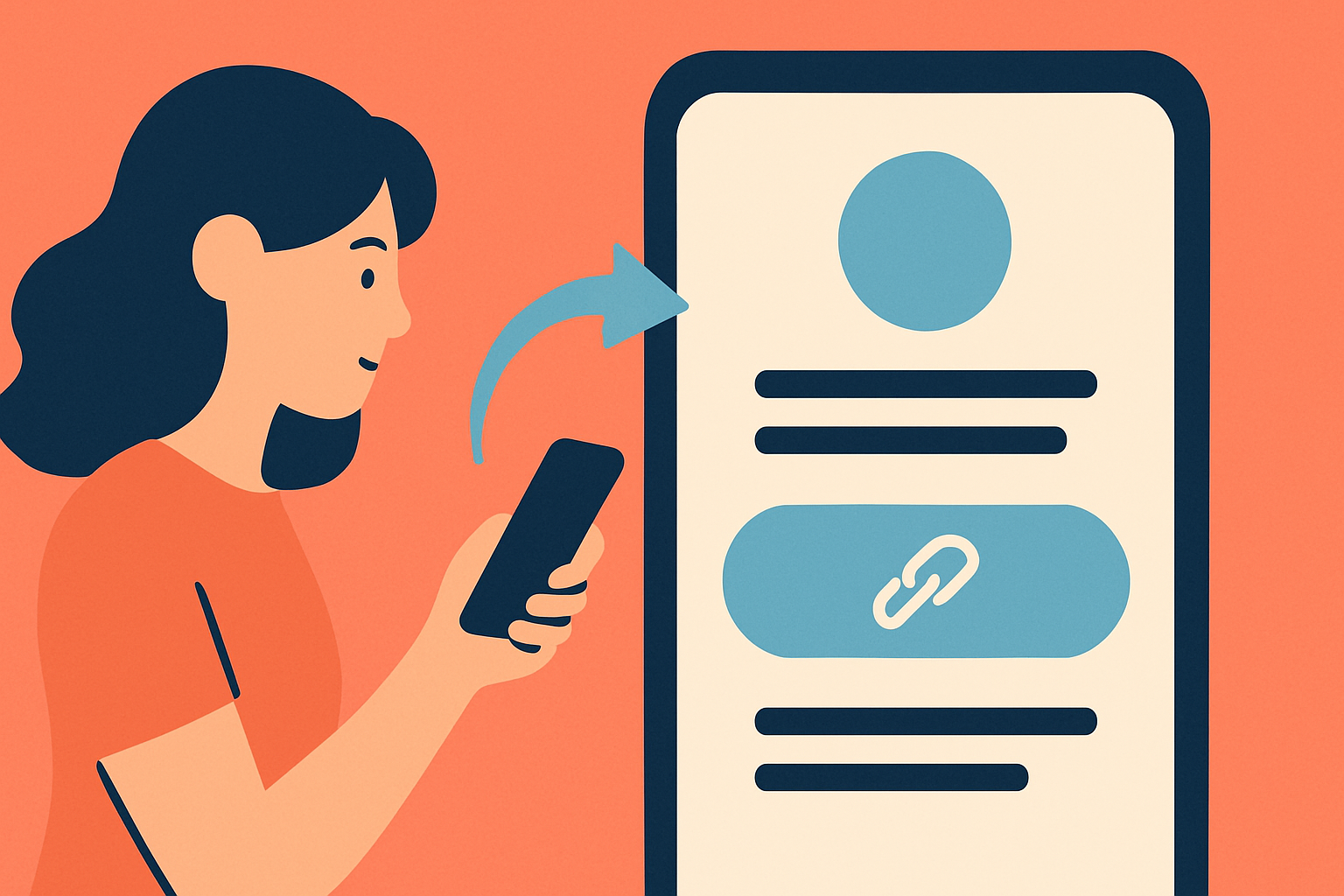
TL;DR: A link in bio is one clickable URL in your social media profile that leads to a page holding all your links. Platforms only give you one slot, so tools like MyLinks.page turn that slot into a full landing page for your audience.
What a link in bio actually is
A link in bio is a single URL you put in your social media profile that points to a page containing all the links you want to share. Instagram gives you one link field. TikTok gives you one. LinkedIn gives you one. So instead of constantly swapping that link every time you publish something new, you put one stable URL there and load that destination page with everything your audience might need.
The phrase itself comes from creators writing "link in bio" in their captions as a call to action. Post a product, tell people to tap the link in your profile, and they land on your page instead of hunting through your feed for a URL that doesn't exist.
According to Linktree's own data, over 70 million people use a link-in-bio tool, with 1.7 billion profile views generated every month across the platform. That number makes sense once you see how many creators and businesses are locked out of putting links directly in their posts.
Why social media platforms limit your links
Every major platform restricts links in post content, and they do it deliberately. Instagram does not allow clickable URLs in captions. TikTok blocks them too. Even Twitter (now X) de-ranks posts with external links in the algorithm. Platforms want users to stay on the platform, so they make it harder to send them anywhere else.
The profile bio field is the one exception. Platforms tolerate one link there because removing it entirely would create too much friction for the businesses and creators they need to attract. So you get your single slot, and that's it.
This creates an obvious problem. A musician releasing an album needs links to Spotify, Apple Music, YouTube, and pre-order pages. A freelance photographer needs a portfolio, booking page, Instagram, and contact form. A small business owner needs their online store, Google reviews, booking calendar, and newsletter signup. Picking one is not a real option when you're trying to grow across multiple channels simultaneously.
How a link in bio page works
The mechanics are straightforward. You sign up for a link-in-bio tool, build a page with all your links, then paste that page's URL into every social media bio you have. One URL goes in every profile. Every platform. Your whole internet presence accessible from one tap.
When a follower taps your bio link, they land on a clean page showing whatever links you've added: your latest video, your product shop, your newsletter, your other social profiles. You update that page whenever something changes, and your bio URL never needs to change.
The setup on MyLinks.page takes about five minutes from scratch. If you're already on Linktree, you can import everything in 60 seconds by pasting your existing URL. No manual re-entry of every link you've already built.
Switch from Linktree in 60 seconds
Paste your Linktree URL — we'll bring over your links, bio, and avatar. Free forever, no credit card.
Import my Linktree →
What you put on the page depends entirely on your goals. Most creators combine a few evergreen links (their main platform, their shop, their email list) with a few rotating links (their latest piece of content, a current promotion, a time-sensitive offer). The page lives at a stable URL while the content on it changes constantly.
What to put on your link in bio page
The links that convert best are the ones that match what your audience actually wants from you. That sounds obvious but most creators get it wrong by listing everything and letting their audience figure it out. A focused page with four to six clear options outperforms a sprawling one with fifteen choices every time.
Start with your highest-value destination. If you sell products, that's your shop. If you're building an email list, that's your signup page. If you monetize through content, that's your latest video or episode. Put that first. Your audience will mostly click whatever is at the top.
Research from Linktree found that creators who add a profile description to their page see 2x more clicks on average. The same lift appears when creators customize their theme instead of using the default. Neither of those findings is surprising: a page that looks like it belongs to a real person, with context about who you are, converts better than a blank template with a list of links.
On MyLinks.page you can connect a custom domain so your bio link reads as yourdomain.com instead of a generic subdomain. That matters for SEO and it matters for trust. A branded URL tells your audience they're clicking to your property, not a third-party tool they might not recognize.
Setting up your link in bio page: the actual steps
Here is what the process looks like from zero to a live, working page.
- Pick your tool. MyLinks.page, Linktree, Beacons, and a handful of others do this. The main differences are price, SEO support, analytics depth, and whether your page can live on a custom domain.
- Create an account and add your core links. Start with your most important destination and work down. You don't need twenty links on day one.
- Customize the appearance. A profile photo and a display name are the minimum. Add a short bio describing what you do. Match the colors to your brand if the tool supports it.
- Copy your unique URL. On MyLinks.page that's yourusername.mylinks.page, or your own domain if you connect one.
- Paste it into every profile you want to drive traffic from. Instagram bio, TikTok profile, LinkedIn website field, Twitter bio, YouTube about section.
One thing worth knowing about TikTok specifically: personal accounts may need to reach 1,000 followers before the website field appears in the profile editor. If you don't see the option yet, that's why. Business accounts on TikTok get the field immediately regardless of follower count.
After setup, the maintenance is minimal. Add a link when you publish something new. Remove links that are no longer relevant. Check your analytics once a week to see which links your audience actually clicks.
Link in bio analytics: what you should actually track
Most creators set up a link in bio page and never look at the data. That's a waste. Your click data tells you what your audience wants from you, which is the most useful signal you have for what to create next.
The basic metrics that matter are total clicks, click-through rate from bio views to link clicks, and which individual links are getting traffic. If you have 10,000 followers clicking your bio link 200 times a week, and 180 of those clicks go to your YouTube channel while your shop gets 5, that's information. Your audience wants your content, not your products. Or your shop page has a conversion problem.
MyLinks.page tracks clicks with UTM parameters built in, so the data flows directly into Google Analytics if you use it. You can see not just which link got clicked but where the visitor came from before they hit your page. Instagram traffic versus TikTok traffic often converts differently for the same creator, and you can't optimize what you can't see.
See the side-by-side
Paste any Linktree URL and see how that same profile would look on MyLinks.page.
Preview it →
Beyond click data, custom domain analytics matter for a different reason. When your link-in-bio page lives on your own domain, it accumulates backlinks and search authority that compound over time. A generic subdomain on a third-party tool sends all that SEO value to the tool's domain, not yours. Over months and years that difference is significant if organic search is part of your growth plan.
Common link in bio mistakes worth avoiding
The most common mistake is using a tool that brands itself on your page. Some free tiers of link-in-bio tools put their own logo on your profile page, which tells your audience you couldn't afford to turn it off. MyLinks.page doesn't do this. Your page looks like your page on any plan.
Second mistake: not updating the page. A link in bio page with posts from six months ago signals to first-time visitors that you're not active. Keep at least one link current and dated.
Third mistake: linking to pages that don't work on mobile. The vast majority of people tapping your bio link are on a phone. If your destination page isn't mobile-optimized, you're losing clicks the moment they land. Test every link from your phone before publishing it.
The fourth mistake is less obvious. Many creators use the same link in bio URL across every platform and never segment the traffic. If you can set different UTM parameters for your Instagram bio versus your TikTok bio, do it. The audience behavior data across platforms is completely different and understanding that difference makes your content decisions sharper.
Why the tool you pick matters more than most creators think
At the basic level, every link-in-bio tool does the same thing: hosts a page with links and gives you a URL. The differences emerge over time as your following grows and your goals get more specific.
Linktree is the most widely recognized name. It created the category. But it also built in limitations that made sense in 2016 and make less sense now. The free plan shows their branding on your page. The analytics are shallow unless you pay. And because your page lives on linktree.me/yourname, none of the search authority you build goes to a domain you own.
MyLinks.page was built to solve those specific problems. Custom domains on every plan. Analytics that go deeper than click counts. No forced branding on your profile page. And if you're already on Linktree, the import tool moves everything over in the time it takes to make a cup of coffee.
The right choice depends on what you're optimizing for. If you want the fastest possible setup with zero friction, Linktree's brand recognition means most people know what they're clicking. If you want a page that builds your own brand equity and gives you actual data on what your audience does, a tool that supports custom domains and deep analytics is worth the switch.
Pick the tool, build the page, put the URL in your bio. The 70 million people already using link-in-bio tools are not wrong about this being a basic piece of infrastructure for anyone with an audience online.