Sell music and merch from your link in bio
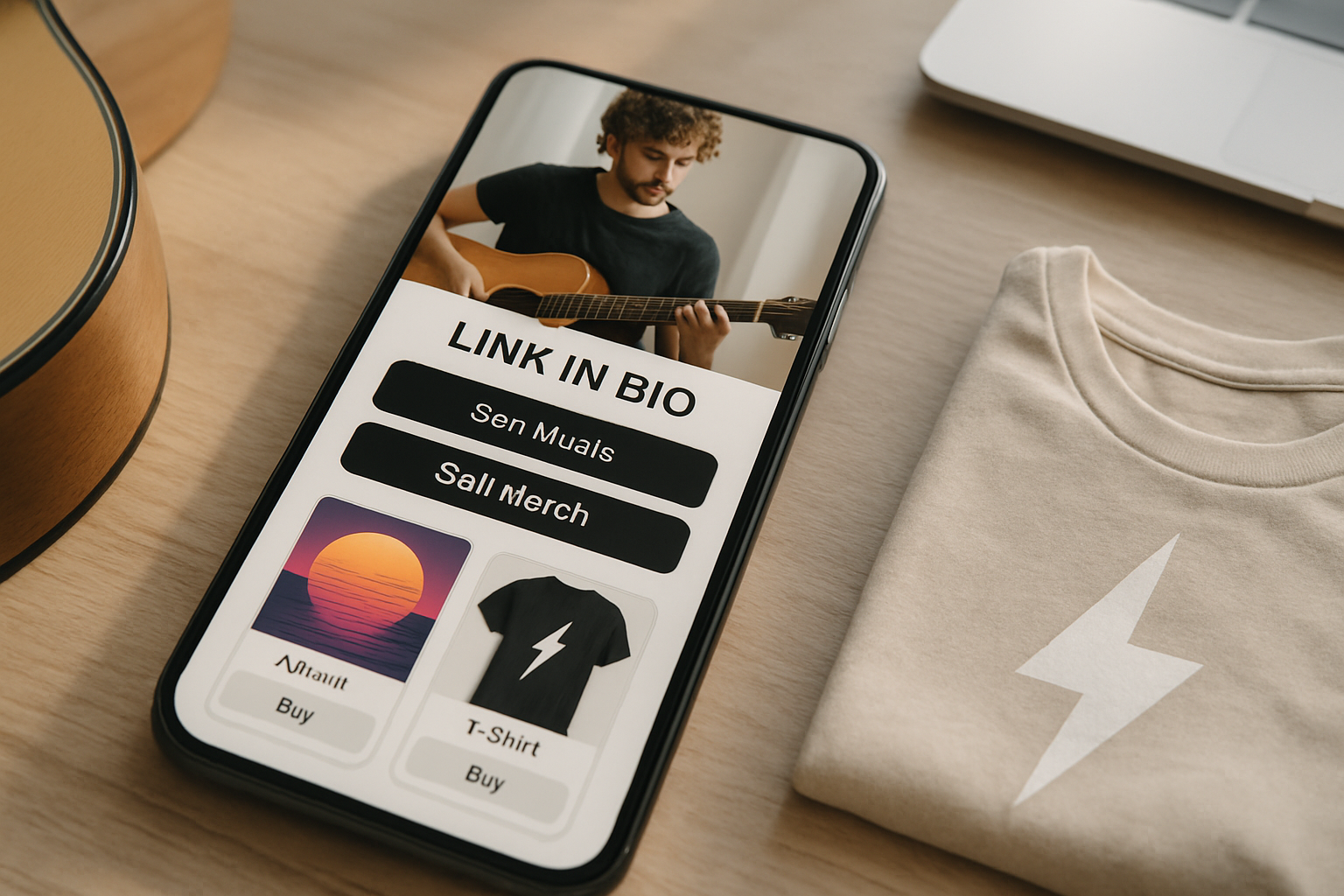
TL;DR: You can sell music, merch, and digital downloads directly from a single link in bio page, no website required. The right platform lets fans buy, tip, or stream in seconds. Most musicians set this up in under an hour.
You can sell music and merch from your link in bio today
Most musicians earn money from more sources than just gig tickets: merch, digital downloads, exclusive content, tip jars, and streaming royalties all add up. The problem is that social media platforms are not built for selling. Instagram lets you put one URL in your bio. TikTok gives you the same. Fans who want to buy something have nowhere obvious to go.
A well-built link in bio page fixes that. One URL in every bio, a clean page with your music, merch, and a tip button, all loading in under two seconds. According to industry data from MusicWatch, about 83% of music purchases now start on a mobile device, which means your bio link is often the last click between a fan's impulse and a sale.
This guide walks through exactly how to set up a music-focused link in bio that sells, which features actually move the needle, and what most musicians get wrong.
Why a dedicated link in bio beats a full website for most musicians
A proper website takes time, money, and ongoing maintenance. Most independent musicians update their full site a few times a year at best. A link in bio page takes minutes to update, loads fast on mobile, and puts everything in one vertical scroll. For anyone driving traffic from Instagram Reels, TikTok videos, or YouTube descriptions, that speed matters more than a custom homepage with an animated hero video.
The case for simplicity is strong. A study by Google found that 53% of mobile visitors leave a page that takes longer than three seconds to load. Most band websites, packed with embedded players and photo galleries, fail that test. A link in bio page with one embedded Spotify player, a merch button, and a tip link loads in under a second on most connections.
The second advantage is centralization. Instead of sending fans to five different places (Bandcamp, your Shopify store, your PayPal tip link, your Spotify profile, your mailing list signup), you send them to one page that contains all of those things. Every social platform bio, every YouTube description, every email newsletter footer points to the same URL. When a new album drops or a limited merch run goes live, you update one page and every channel updates automatically.
What to include on your music link in bio page
The most effective music link in bio pages focus on four revenue areas: streaming links, merch sales, digital downloads, and tips. Not all of them apply to every artist at every stage, but having the infrastructure ready costs nothing and earns everything.
Streaming links
A music block that displays your latest release with a player thumbnail drives streams directly from your bio. The key is linking to a smart link that detects a fan's preferred platform rather than defaulting to Spotify. Some fans are Apple Music subscribers. Some use YouTube Music. A platform-detecting music link converts more plays than a single-destination link because it removes the friction of copying a track title and searching manually.
Merch sales
Physical merch sales from a link in bio page work best when you treat the block like a mini storefront, not an afterthought. Use a real product photo, name the item specifically ("Limited 2026 tour hoodie, black, S-XL"), and include a clear price. Vague "merch available" buttons convert at a fraction of the rate of specific product blocks. Platforms that integrate directly with print-on-demand services like Printful or Printify let you run merch without holding inventory, which removes the biggest barrier for independent artists.
Digital downloads
Selling a digital album, a stem pack, a sample kit, or exclusive acoustic versions is one of the highest-margin things a musician can do. The production cost is zero after the recording is done. A download block lets you set a price, connect a payment provider like Stripe or PayPal, and the file delivers automatically to the buyer. For artists with a catalogue of work, selling a discounted bundle (three albums for $15, say) through a digital download block consistently outperforms selling individual tracks at full price.
Tips and donations
A tip button removes any purchase decision from the equation. Fans who just want to say thanks can send $3 or $10 without buying anything specific. This is especially effective immediately after a live performance when emotion is high but a formal purchase feels like too much friction. Artists who add tip buttons to their link in bio pages typically see the first tip within 48 hours of going live.
How to set up a selling link in bio on MyLinks.page
MyLinks.page gives musicians a link in bio page with all four selling features built in, plus custom domain support so your page lives at music.yourname.com instead of a subdomain you don't control. Setup takes about 45 minutes for a complete page with merch, streaming links, a download block, and a tip button.
The setup process is straightforward. You create an account, choose a template from the music category, then add your blocks in order: a header with your artist photo, a music block pointing to your latest release, a merch block for your best-selling product, a digital downloads block if you have files to sell, and a tip block at the bottom. Each block has a live preview so you see exactly what fans will see before you publish.
One feature that makes a meaningful difference for musicians is the analytics layer. Every click on every block is tracked with UTM parameters, so you can see which social platform sends the most buyers (not just the most visitors), which product block gets the most clicks, and which streaming link drives the most plays. That data lets you put the highest-converting block at the top rather than guessing. Most musicians discover within two weeks that their tip button outperforms their merch block in click-through rate, which suggests it should sit higher on the page.
Switch from Linktree in 60 seconds
Paste your Linktree URL — we'll bring over your links, bio, and avatar. Free forever, no credit card.
Import my Linktree →
What most musicians get wrong about their bio link
The most common mistake is treating the link in bio as a navigation menu rather than a landing page with a purpose. A page with 14 links (tour dates, contact, Instagram, Facebook, Twitter, YouTube, Spotify, Apple Music, Bandcamp, Patreon, mailing list, merch store, press kit, booking enquiries) does not convert. Fans land on it, feel overwhelmed, and leave without clicking anything.
The better approach is to pick a primary goal for each phase of your release cycle and build the page around that goal. When an album drops, the page has three things: the album streaming link, a limited vinyl pre-order, and a tip button. When a tour is coming up, the page has two things: the ticket link and the merch pre-sale. When nothing specific is happening, the page has your best-performing evergreen content: a popular song, your top merch item, and a mailing list signup.
The second common mistake is using a link in bio platform that puts its own branding on your page. A page with a competitor's logo at the bottom tells fans you didn't bother building a proper online presence. At the minimum, your page should look like yours: your colors, your fonts, your artist photo. MyLinks.page removes that third-party branding on the free plan, which is a detail most platforms charge for at a premium tier.
The third mistake is never updating the page. A page that still shows a 2023 tour as the main block in mid-2026 signals to fans that the artist is not actively engaged. The whole value of a link in bio page over a full website is that updates take two minutes. Use that advantage.
Choosing the right platform for selling music and merch
The criteria that matter when comparing link in bio platforms for musicians are: payment integrations (can you connect Stripe directly, or are you limited to one provider?), custom domain support (can your page live at your own domain?), analytics depth (do you see what fans click, or just total views?), and whether the platform takes a cut of sales.
Some platforms charge a percentage of every transaction made through their commerce features. On a $500 merch month, a 5% platform fee is $25 taken before you factor in payment processing. Over a year, that is $300 or more depending on volume. Check the fee structure before committing.
See the side-by-side
Paste any Linktree URL and see how that same profile would look on MyLinks.page.
Preview it →
MyLinks.page does not take a cut of sales. You pay for the subscription tier and keep everything your fans pay you. For musicians doing consistent volume through digital downloads or merch, this structure saves a meaningful amount compared to platforms that monetize on transaction volume.
Custom domain support is the other differentiator worth paying attention to. A page at music.yourname.com builds SEO equity for your artist brand over time. Every fan who types your name into Google and sees a result for music.yourname.com in the top three results is a fan who found you without a paid ad. Link in bio pages on shared subdomains (linktree.ee/yourname, for example) pass that SEO value to the platform, not to you. After two years of consistent posting and bio links, the compounding difference in search visibility is significant.
Getting your first sale from a link in bio page
The fastest path to a first sale is a limited-time offer tied to something you are already promoting. If you are releasing a single this week, add a "Name your price" digital download for the studio session outtakes. If you are going on tour next month, add a pre-sale merch bundle that is only available through your bio link for the next two weeks. Scarcity and context convert better than a generic "buy my merch" button sitting permanently at the top of a static page.
Announce the link specifically, not just generically. "Link in bio" as a call to action is weaker than "I put the limited hoodie and a download of the acoustic demo at the link in my bio, gone when they're gone." The second version tells fans exactly what they will find and creates a reason to click now rather than later.
Track the results. After two weeks, look at which blocks got clicks, which got conversions, and which got ignored. Move your highest-converting block to the top. Remove blocks that got zero engagement for 30 days. A link in bio page is not a set-it-and-forget-it page; it is the most frequently updated piece of your online presence, and the artists who treat it that way sell more than the ones who don't.
A single link in bio page, set up correctly with the right selling features, is genuinely all most independent musicians need to monetize their social audience. No website required.