15 link in bio video background ideas for 2026
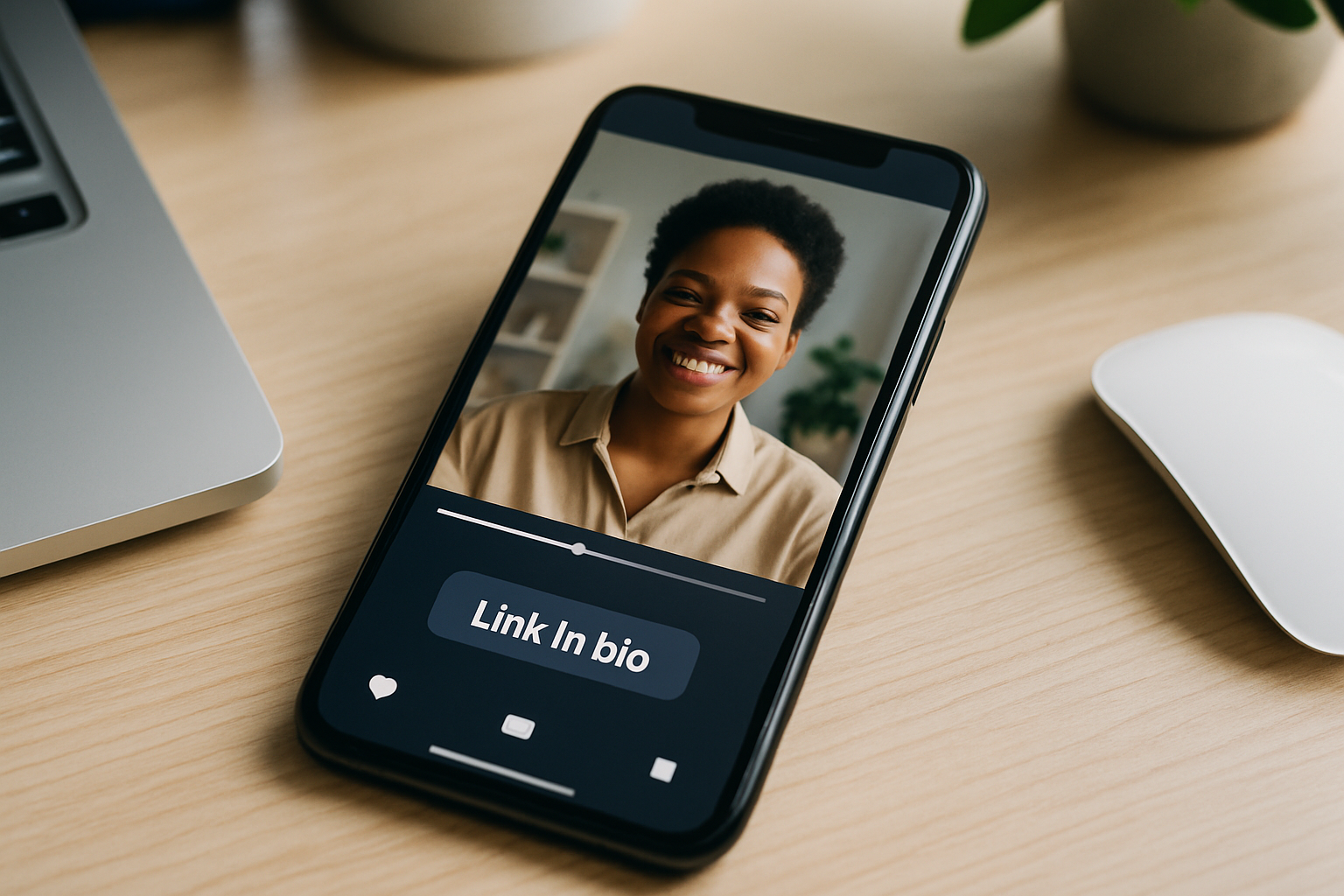
TL;DR: 15 video background link in bio ideas for 2026, grouped by creator type. Add a fast, auto-compressed MP4 loop behind your links on MyLinks.page.
A still photo behind your links is fine. A short video loop is what makes a thumb stop scrolling. Motion catches the eye before the brain reads a word, and a good video background link in bio sets a mood in the first half-second: the energy of a live show, the calm of a studio, the speed of a workout. It reads premium without costing you a designer. The catch most people worry about is speed, and it's already solved. On MyLinks.page, any MP4 you drop in gets auto-compressed so it loads fast and plays everywhere, phone or desktop. Below are 15 specific clip ideas grouped by who you are, plus a short guide to keeping the page fast and readable so the motion never fights your links.
Key Takeaways
- A video background link in bio adds motion that stops the scroll and sets a mood a static image can't.
- MyLinks.page auto-compresses any MP4 so it stays fast on mobile; Linktree offers no video backgrounds at all.
- Keep clips to a 5 to 15 second silent loop with a dark overlay behind the text for contrast.
- These 15 link in bio video background ideas are grouped by creator type so you can copy the one that fits.
- Video backgrounds are a Pro feature on MyLinks.page at $9/mo, with the option to connect your own custom domain.
Why a video background works (and how to keep it fast)
Movement gets noticed first. Research on web vitals shows visitors decide whether to stay within the first moments of load, and a moving background gives them a reason to pause. A bio page video also does something a headshot can't: it shows what you actually do. A musician's stage, a chef's pan, a founder's product in someone's hands. That's context, delivered before anyone taps.
Speed is the only real risk, so handle it up front. Use a clip between 5 and 15 seconds that loops cleanly, drop a semi-transparent dark overlay behind your link buttons so text stays legible, and let auto-compression shrink the file. Google's own guidance on Largest Contentful Paint treats heavy media as a load cost, which is exactly why MyLinks.page compresses your MP4 on upload instead of serving the raw file. You get the motion without the lag. If you're brand new to all this, start with what is link in bio and come back once your page exists.
Musicians: put the stage behind your links
For musicians, an animated link in bio should sound like your music looks. A short clip from a live set or studio session does more for a cold visitor than any bio line. Streaming data from DataReportal shows audiences spend hours a day on mobile, so the fan tapping your Instagram link is almost certainly on a phone, watching that loop fill the screen.
- Live clip: A few seconds of you on stage, lights up, crowd in frame. It signals you play out, which sells tickets and merch better than a logo.
- Studio session: A close shot of a console, a mic, hands on a guitar. Calm, intimate, perfect behind "listen now" buttons.
- Music-video loop: Pull the most striking 8 seconds from your latest video. It keeps the release front and center every time someone visits.
Athletes and fitness creators: lead with motion
Nothing suits video like sport. An athlete's highlight reel or a coach's workout clip turns a profile into proof of work the instant it loads. For this group, the link in bio video background ideas almost write themselves, because your whole job is movement.
- Highlight reel: Three or four cuts of your best plays, sprints, or lifts. It builds instant credibility before a brand or fan reads your stats.
- Workout loop: A coach mid-set, clean form, good light. Behind a "book a session" button, it sells the result you're offering.
If you train clients, point your booking link at the page and let the clip do the convincing.
Switch from Linktree in 60 seconds
Paste your Linktree URL — we'll bring over your links, bio, and avatar. Free forever, no credit card.
Import my Linktree →
Creators and influencers: show the real behind-the-scenes
For lifestyle and content creators, a bio page video works best when it feels unpolished on purpose. B-roll and behind-the-scenes footage read as authentic, which is the currency your audience already trusts you for. The clip doesn't need to be your best shot. It needs to feel like you.
- B-roll loop: Everyday footage from your niche, a desk setup, a city walk, a morning routine. It sets your aesthetic in seconds.
- Behind-the-scenes: A clip of you filming, editing, or setting up a shoot. It pulls back the curtain and makes the page feel personal.
The option to connect your own custom domain means that page lives at your name, not a shared subdomain, which matters when followers screenshot and share it.
Founders and product builders: let the product move
If you sell something, show it working. A founder's product demo or a few seconds of a live dashboard answers the "what is this" question before anyone clicks through to your site. Motion here is function, not decoration: a feature in use is more convincing than a feature described.
- Product demo: Hands using your product, or a screen recording of the core action. It turns a curious tap into an informed one.
- Dashboard loop: For software, a short capture of the interface doing its thing. It signals "this is real and it works" instantly.
Local and food businesses: bring people through the door
For a local shop or restaurant, video sells the feeling of being there. A storefront clip or a dish being made gives a scrolling local a reason to come in, and it works even harder when paired with a verified proof block showing your reviews or hours.
- Storefront loop: Your shop front, door open, a little foot traffic. It tells people you're a real place worth visiting.
- Dish being made: Close, slow footage of a signature plate coming together. Few things stop a hungry scroller faster.
Photographers and artists: turn the page into a gallery
Visual artists have the easiest pitch of all: your work is already the content. A portfolio montage or a time-lapse of a piece coming together makes the background itself the sample. The links sit on top of your best work, which is exactly the impression you want to leave.
- Portfolio montage: A slow sequence of your strongest images or frames. It functions as a teaser reel for anyone deciding whether to hire you.
- Time-lapse: A painting, edit, or build compressed into 10 seconds. Process footage holds attention and proves the craft is yours.
One quick note on the field as a whole. Linktree, the default most creators reach for, has no video backgrounds at all. If motion is central to how you present your work, that gap is the whole reason to look elsewhere. When you're ready to set yours up, the steps are in how to add a video background to your link in bio, and musicians can find layout tips in link in bio for musicians.
Frequently asked questions
What video should I use for my link in bio background?
Use a short clip that shows what you do: a live performance, a workout, a product in use, your storefront. Pick footage that looks good muted and loops cleanly, since the background plays silently. Anything 5 to 15 seconds works best.
Does a video background slow down my page?
Not on MyLinks.page. Every MP4 you upload is auto-compressed so it loads fast and plays on mobile and desktop. Keeping the clip short and adding a dark overlay also helps the page stay quick and the text readable.
How long should a link in bio video be?
Aim for 5 to 15 seconds. That's long enough to register as motion and set a mood, short enough to loop without feeling repetitive or bloating the file. A clean loop point matters more than length.
Can I use a video background on a free plan?
Video backgrounds are a Pro feature on MyLinks.page at $9/mo, which also lets you connect your own custom domain and free analytics. The free plan covers standard backgrounds and links with no forced branding, so you can build your page first and upgrade when you want motion.
Does Linktree have video backgrounds?
No. Linktree does not offer video backgrounds. If a moving background is the look you want, you'll need a platform that supports it, like MyLinks.page, where any MP4 loops behind your links and compresses automatically.
Start with one clip you already have
You don't need a shoot. Open your camera roll, find one clip that shows what you do, and put it behind your links. That single change does more for first impressions than another round of button edits. Trim it to about 10 seconds, add the dark overlay so your text stays sharp, and let the upload handle compression.
If you're moving over from another tool, the Linktree import takes about 5 seconds and brings your links with it, so the only new step is choosing the video. Pick the loop, claim your handle, and watch your page start with motion instead of a flat image. Claim your handle free →