Who unfollowed me on Instagram: the real answer
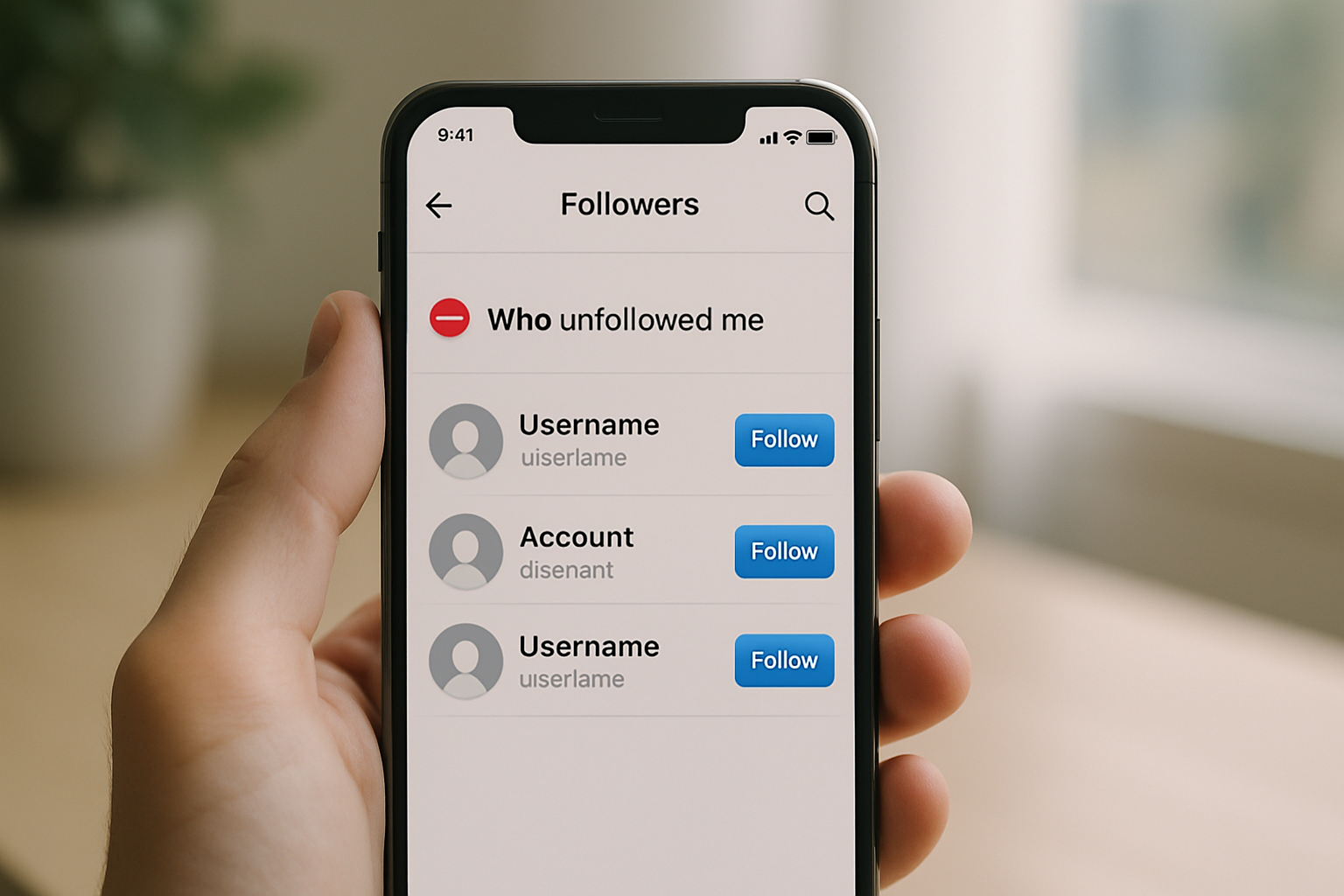
TL;DR: Instagram doesn't show you who unfollowed you natively, but third-party apps like FollowMeter and Unfollower Stats can track it. More useful than knowing who left is understanding why, which usually comes down to inconsistent posting, an unclear niche, or a link-in-bio that fails to convert the traffic you do have.
Who unfollowed me on Instagram: what you can actually do about it
Instagram does not tell you who unfollowed you. No notification, no list, no native tool. If your follower count dropped overnight, you have to either audit your followers manually or use a third-party app to find out who's gone. Most creators check once, feel bad, and move on. The smarter move is to treat every batch of unfollows as data.
This guide covers how to track unfollows, what actually causes them, and the one thing most creators ignore: the gap between losing a follower and losing a potential customer. Those are two different problems with two different fixes.
How to see who unfollowed you on Instagram
The fastest way to check who unfollowed you is through a third-party tracking app. Instagram's own API no longer gives apps access to your full follower list for privacy reasons, so the best tools work by taking a snapshot of your followers when you first connect, then comparing it to your current list over time. Any name missing from the new list is someone who unfollowed you.
Apps worth using in 2024: FollowMeter, Unfollower Stats, and Reports+ for Instagram. All three are available on iOS and Android. Free tiers typically show recent unfollows; paid tiers give you the full history and daily tracking. None of these apps require your Instagram password; they authenticate through Instagram's official OAuth flow, which is the safe way to connect.
A note on the manual method: if you have under 1,000 followers, you can check by going to your profile, tapping Followers, then searching for a specific username. If they don't appear, they've either unfollowed you or blocked you. It works, but it only makes sense if you have a short list of people you actually care about tracking.
What Instagram's own analytics tell you
If you have a Creator or Business account (both are free to switch to), Instagram Insights shows your net follower change over the last 7, 14, or 30 days. It doesn't show individual names, but it does show the accounts reached, follows, and unfollows as aggregate numbers. You can find this under Professional Dashboard or directly in your profile under Insights. The accounts-reached breakdown by content type is the more useful number here: it tells you which posts brought in new followers and which ones likely triggered unfollows by disappointing people who found you through a reel.
Why people unfollow accounts (and what to do about it)
Follower loss almost always comes from one of six patterns, and most of them are fixable. According to a 2023 Sprout Social study, 45% of consumers unfollow brands because of too much promotional content. The other leading reasons are posting too infrequently, content that feels off-brand compared to what attracted them in the first place, and accounts that engage with controversial topics in a way that alienates part of the audience.
The six patterns creators run into most often:
- Niche drift. You started as a fitness account and gradually posted more lifestyle content. Followers who came for workouts leave when you shift. The fix isn't to never evolve; it's to signal the shift clearly and accept that some original followers won't come along.
- Posting gaps. Instagram's algorithm deprioritizes accounts that go quiet for two or more weeks. When you come back, your posts don't get served to old followers the way they used to, so those followers effectively stop seeing you and eventually prune you from their list. Consistency matters more than frequency: three times a week reliably beats seven times a week for one month then nothing.
- Quality drops. A rushed post, a blurry photo, a caption with a typo in the first line. None of these are fatal individually, but a string of them signals that you're not treating the account seriously. Followers notice.
- Over-promotion. One in five posts being a product pitch is roughly the ceiling most audiences tolerate. Above that ratio, the account starts to feel like an ad channel, and people leave.
- Controversy or off-topic content. Sharing political views, personal drama, or content unrelated to your niche will always cause unfollows. Whether that's worth it depends on your goals.
- Inactive purges. Many users do periodic account cleanups, unfollowing anyone they haven't genuinely engaged with in months. This has nothing to do with your content quality. It's just maintenance.
The most important thing to understand is that a single unfollow event tells you almost nothing. It's the rate that matters. A content creator posting three to seven times per week on a healthy account might lose 0.1% to 0.5% of followers per month through natural churn. If you're losing 2% or more in a month without any obvious external cause, something structural is wrong and it's worth auditing your last 20 posts.
Switch from Linktree in 60 seconds
Paste your Linktree URL — we'll bring over your links, bio, and avatar. Free forever, no credit card.
Import my Linktree →
The problem most Instagram creators actually have
Knowing who unfollowed you is useful. Knowing why is more useful. But neither of those things matters as much as fixing the conversion gap between your Instagram audience and your actual business outcomes.
Here's the scenario: you have 8,000 followers, you post consistently, your content is good, and you still lose 40 to 80 followers a month. That's normal churn. It's not a crisis. But if those same 8,000 followers are driving almost no traffic to your products, your email list, or your website, the unfollows are a symptom of a bigger problem: your link-in-bio page is doing nothing.
Most creators on Instagram have exactly one link they can share in their bio. What happens when someone taps that link decides whether a curious follower becomes a customer, a subscriber, or someone who bounces and forgets you exist. A link-in-bio page that's slow to load, hard to read, or cluttered with 20 equal-weight options converts poorly regardless of how good your Instagram content is.
According to data from link-in-bio platforms, the top-performing profiles focus on three to five links maximum and update them at least twice a month to match current content. Profiles with more than eight links see click-through rates drop by roughly 40% compared to profiles with four or fewer.
What a better link-in-bio actually does for your follower retention
There's a direct connection between your link-in-bio experience and how long people stay following you. When a follower taps your link and finds a fast, clean page that clearly tells them who you are and what you offer, they get context. They understand your brand. That context is what turns a casual follower into someone who stays even during your posting gaps, even when your content shifts slightly, even when the algorithm buries your posts for two weeks.
A slow or ugly link-in-bio does the opposite. It erodes trust. People tap it, bounce in under five seconds, and mentally downgrade you from "creator I follow on purpose" to "account I forget about."
MyLinks.page is built specifically to avoid this problem. Profiles load faster than Linktree on comparable connections because there's no JavaScript-heavy widget layer slowing things down. You get a custom domain (your own URL instead of a linktree.com/yourname address), which matters for SEO and for the perception of professionalism. And you get real analytics: not just total clicks, but click maps, UTM parameter support, and per-link breakdowns that tell you exactly which link is driving traffic and which one you should cut.
The 60-second import from Linktree means you don't have to rebuild anything manually. You paste your existing Linktree URL, everything imports, and you switch your Instagram bio link to the new address. Most people do it in under two minutes.
See the side-by-side
Paste any Linktree URL and see how that same profile would look on MyLinks.page.
Preview it →
How to stop losing followers: the actual checklist
Tracking unfollows is the diagnostic step. This is the fix.
- Check your posting frequency. Three to four times per week is the floor for growth on most niches. If you're posting less than twice a week, the algorithm is deprioritizing you and followers are forgetting you exist.
- Audit your last 20 posts for niche consistency. If more than four of them feel off-brand, you've drifted. Pick a direction and stick to it for 30 days before reassessing.
- Check your promotional ratio. Count sponsored posts and product pitches in your last 20 posts. If more than four of them are explicitly promotional, bring the ratio down.
- Look at your engagement rate, not just your follower count. An engagement rate above 3% on a mid-size account (10k to 100k followers) means your remaining audience is healthy and engaged. An engagement rate below 1% means the followers you still have aren't actually interested, which is a bigger problem than the ones who left.
- Fix your link-in-bio page. Update it to reflect your current offers. Remove links you haven't touched in 60 days. Make sure it loads in under two seconds. Use a custom domain if you're running any kind of business off your Instagram presence.
The follower count is a lagging indicator. It tells you what happened in the past. The engagement rate and click-through rate on your link-in-bio tell you what's happening right now. Build toward those two numbers and the follower count takes care of itself.
The bottom line
Instagram won't tell you who unfollowed you, but FollowMeter, Unfollower Stats, or Reports+ will. More importantly, a sudden drop in followers almost always points to one of six fixable patterns: niche drift, posting gaps, quality decline, over-promotion, controversy, or routine account purges. Check your rate of loss against a 0.1% to 0.5% monthly baseline to decide if what you're seeing is normal churn or a real signal.
And when you've stabilized your content strategy, audit your link-in-bio. The followers you keep should have somewhere worth going when they tap that link in your bio. A fast, clean page with a custom domain and real analytics converts better and builds the kind of audience that sticks around.