Link in Bio for Photographers: Book More Work
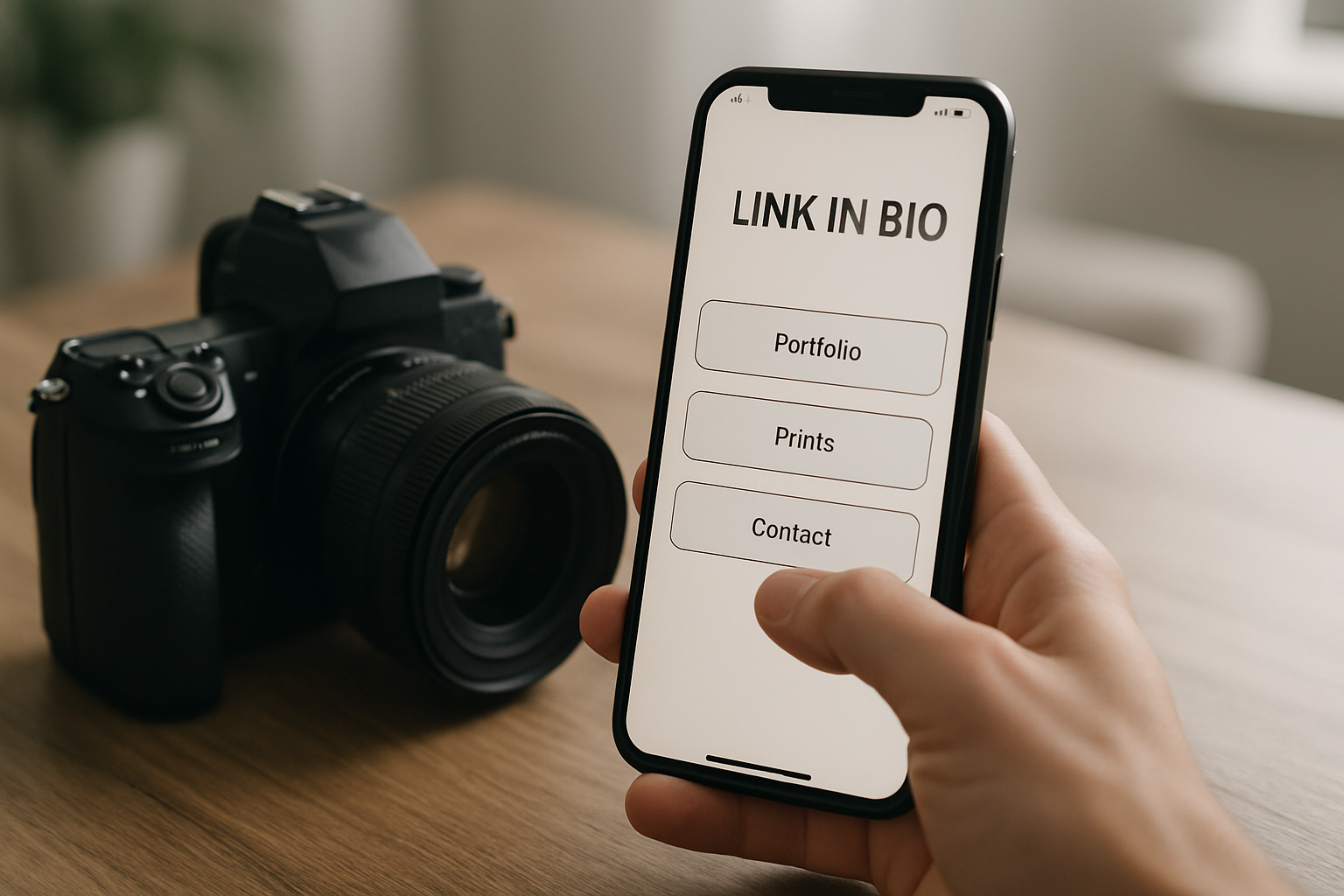
TL;DR: Build a link in bio for photographers that books paid work: portfolio, booking, pricing, video background, and proof. Set it up on MyLinks.page for $9/mo.
Your Instagram feed shows the work. It does not book the work. A potential client finds your wedding photos, taps your profile, sees one link, and lands on a homepage that buries your booking form three clicks deep. They leave. That gap between "I love these photos" and "I sent the inquiry" is where most photographers lose paid jobs. A proper link in bio for photographers closes it. The right setup turns a casual scroller into a booked shoot by putting your portfolio, packages, and inquiry form one tap away. This guide covers what belongs on a photographer bio link, how to build a visual, image-first layout on MyLinks.page, how to use a video background and verified proof, and how to drive traffic to it from Instagram, Pinterest, and Google.
Key Takeaways
- A photographer bio link should lead with portfolio work and a clear "book me" action, not a wall of social icons.
- Instagram drives most discovery for photographers, and DataReportal counts over 2 billion monthly active Instagram users as of early 2024, so the bio link is your highest-traffic landing page.
- An image-forward layout with a video montage background and verified proof (followers, bookings) converts browsers into inquiries.
- MyLinks.page Pro is $9/mo with free analytics and a custom domain, against Linktree's $15 to $35/mo tiers.
Why photographers need a dedicated link in bio
A feed proves you can shoot. It does not tell a buyer how to hire you, what you charge, or where to see your full gallery. A dedicated link in bio for photographers solves the conversion problem: it is the one page that turns visual interest into a booking. Google's own search guidance stresses clear, task-focused pages, and a bio link is exactly that, built for one job.
Think about how a client actually finds you. They see a reel from a wedding, tap your handle, and scan your profile for ten seconds. If your bio link drops them on a slow homepage or a generic feed of icons, the momentum dies. If it opens to your strongest gallery with a booking button on top, you have a lead.
A separate page also gives you data a social feed never will. You learn which gallery gets the most taps, which city your inquiries come from, and which package link people click before they message you. If you are new to the format, the basics are covered in what is link in bio, and the broader creator playbook lives in link in bio for creators.
What to put on your photographer bio link
Lead with the work, then make hiring obvious. The order matters: a buyer wants to see proof you can shoot before they care about your prices. Below is the stack that turns a visual-first visitor into an inquiry, roughly in the sequence they should appear on the page.
Portfolio or gallery link
This is the first and most important block. Link to your best 15 to 30 images, organized by what you shoot: weddings, portraits, brand, real estate. Do not send people to your entire archive. Curate hard. If you specialize, lead with that gallery so the right client sees the right work in the first two seconds.
Booking or inquiry form
Make the next step impossible to miss. A high-contrast "Book a shoot" or "Check my availability" button near the top of the page captures the lead while interest is hot. Link it to a calendar, a contact form, or even a pre-filled email. The point is to remove the gap between admiration and action.
Packages and pricing
Photographers who hide pricing make clients work for it, and many will not. You do not need full price lists, but a "Packages and pricing" block with starting rates or session types filters out tire-kickers and pulls in serious buyers. A wedding photographer might link "Wedding collections from $2,800." A portrait shooter might list "Mini session," "Standard," and "Branding day."
Print or product shop
If you sell prints, presets, or albums, give them a dedicated block. Past clients and fans who love your style are your warmest buyers. A "Shop prints" or "Buy presets" link turns your audience into recurring revenue between shoots.
Testimonials and proof
Social proof closes the deal. A short client quote, a star rating, or a "200+ weddings shot" line tells a nervous buyer they are in safe hands. More on the verified proof block below.
Instagram and other socials
Put these last, not first. Your socials are where people came from, so the bio link's job is to move them forward into a booking, not bounce them back to a feed. A small row of icons at the bottom is enough.
Switch from Linktree in 60 seconds
Paste your Linktree URL — we'll bring over your links, bio, and avatar. Free forever, no credit card.
Import my Linktree →
Setting up a visual, image-first layout on MyLinks.page
Photographers need a different layout than podcasters or musicians. Text-heavy link lists waste your single biggest asset: the images. On MyLinks.page you pick a template built to put pictures first, then arrange blocks so the gallery and booking button sit above the fold. The whole setup takes about ten minutes.
Start by choosing one of the designer templates and selecting the visual, gallery-forward option. Add your gallery block at the top, then your booking button, then packages, then proof, then socials. Drag to reorder until a first-time visitor sees work, then a way to hire you, without scrolling.
Two practical moves matter here. First, keep your color palette quiet so the photos do the talking; a busy theme fights your images. Second, set a custom domain like yourname.com or studio.yourname.com, included on every Pro plan, so your bio link looks like a real studio and earns SEO credit instead of pointing at a competitor's branded subdomain. Already on another tool? You can import an existing Linktree in about five seconds and rebuild from there. For the finishing polish, how to make your link in bio look professional walks through spacing, typography, and contrast.
Using a video background of your best shots
A still page is fine. A page that opens with a slow montage of your best frames is unforgettable. On MyLinks.page you can loop any MP4 as a full-page video background, so the first thing a client sees is motion: a bride turning, light through a window, a product rotating, a skyline at golden hour. It signals craft before they read a single word.
Keep the clip short and quiet. A 10 to 20 second loop of five or six of your strongest shots, no audio, lightly darkened so your buttons stay readable, is the sweet spot. Export it compressed so it loads fast on mobile, since most of your traffic comes from a phone. Avoid heavy text overlays in the video itself; let the photography carry it and keep your booking button as the only call to action on top.
This is the kind of touch that separates a working pro from a hobbyist in a client's mind. A wedding photographer can run a montage of three different venues to show range. A brand photographer can loop product shots against clean backdrops. The video does in five seconds what a paragraph cannot.
Using the verified proof block for social proof
Buyers trust numbers they can see. The verified proof block on MyLinks.page pulls a live, real metric onto your page, a follower count, a client total, or bookings, so a prospect sees evidence instead of a claim. The Pew Research Center has documented how heavily people lean on social cues when judging who to trust online, and a verified figure does that work for you instantly.
Pick the metric that makes your case strongest. If you have a large following, show "84k on Instagram." If your following is small but your book is full, show "150+ weddings shot" or "Trusted by 40 brands." A portrait photographer just starting out can lead with a 5-star average from a handful of glowing reviews. The proof block sits well right above your packages, so confidence peaks at the exact moment a client is deciding whether to ask about price.
The difference between "I'm a great photographer" and a live, verified number is the difference between a sales pitch and a fact. Facts book shoots.
What great photographer pages look like
The best photographer pages share one trait: a client can tell what you shoot and how to hire you in under five seconds. Layout changes by niche, but the logic holds. Here are three generic patterns worth copying.
A wedding photographer opens with a video montage of three venues, then a single "Check your date" button linked to an availability calendar, then a gallery split into "Ceremonies" and "Portraits," then "Collections from $3,200," then a verified "200+ weddings" line and two client quotes. Everything points at one action: lock the date.
A brand and product photographer leads with a clean grid of product shots on white, then a "Start a project" inquiry button, then a services list (e-commerce, lifestyle, social content), then a "Trusted by 40+ brands" proof block, then a small link to their rate card. The page reads like a studio, not a personal feed.
A portrait photographer opens with a warm hero image and "Book a session," offers "Mini," "Standard," and "Branding" package blocks, links a print shop for past clients, and closes with a 5-star average and one strong testimonial. Three different niches, one structure: work, then proof, then a way to say yes.
Promoting your link on Instagram, Pinterest, and Google
Building the page is half the job. Driving qualified traffic to it is the other half. Each platform rewards a slightly different approach, so tailor the push instead of pasting the same link everywhere.
Instagram
Put the link in your bio field and reference it in captions and Stories with a plain "link in bio" prompt. Instagram is where most photographers get discovered, and DataReportal's 2024 data puts the platform past 2 billion monthly active users, so this is your highest-traffic door. Use the link sticker in Stories after posting a strong shoot, and pin a Reel that ends with "tap my bio to check your date."
Pinterest
Pinterest behaves like a visual search engine, and photography performs well there for years, not days. Pin your best images, set the destination URL on each pin to your bio link or a specific gallery, and write keyword-rich descriptions like "outdoor fall wedding photographer." A single pin can send booking traffic long after you post it.
Google
Your bio link can rank. With a custom domain and crawlable profile on MyLinks.page, your page becomes a real search result for "wedding photographer in [city]" instead of a dead-end subdomain. Use your location and specialty in your page title and headings, and link to your bio from your Google Business Profile. Free analytics then show you which source, Instagram, Pinterest, or Google, actually books work, so you spend time where it pays.
Frequently Asked Questions
What should a photographer put in their link in bio?
Lead with a curated portfolio gallery, then a clear booking or inquiry button, then packages or starting prices, then a print shop if you sell products, then testimonials or a verified proof stat, and social icons last. Order it so a client sees your work and a way to hire you before scrolling.
How do photographers get clients from a link in bio?
By removing friction between interest and action. A booking button near the top, visible starting prices, and proof (client count or reviews) let a warm visitor inquire in one tap. Free analytics show which gallery and traffic source convert, so you double down on what books real shoots.
What is the best link in bio for a photography portfolio?
Look for a visual, image-first layout, a custom domain for SEO and credibility, a video background, and built-in analytics. MyLinks.page offers all of these on a $9/mo Pro plan, against Linktree's $15 to $35/mo tiers, with a free plan that includes analytics and no forced branding.
Should I send people to my website or my link in bio?
Send them to your link in bio first. It loads faster on mobile, is built for a single action, and tracks clicks per block. With a custom domain it can use your own name, so you get the credibility of a website with the speed and focus of a bio page.
Can I show pricing on my photographer bio link?
Yes, and you should. A packages block with starting rates or session types filters out people outside your budget and pulls in serious buyers. You do not need full price lists; "Weddings from $2,800" or three named session tiers is enough to qualify a lead before they message you.
Turn the next profile tap into a booking
Your photography earns the attention. Your bio link decides whether that attention turns into a paid booking. Put the work first, make hiring a one-tap action, show real proof, and let a short video montage prove your craft before a client reads a word. Then drive traffic to it from Instagram, Pinterest, and Google, and use the analytics to learn which source actually books shoots.
You can build the whole thing on MyLinks.page in about ten minutes, on a free plan with real analytics or a $9/mo Pro plan with a custom domain and video backgrounds. Pick a photographer layout, drop in your strongest gallery, add a booking button, and claim your handle. The next client who taps your profile should be one tap from sending the inquiry. Claim your handle free →